Are you tired of WiFi dead zones and frustratingly slow internet in certain corners of your home? You’re not alone. In today’s connected world, a reliable signal everywhere is a necessity, not a luxury. That’s where a device like the Eero 6 Wifi Extender comes in, promising to blanket your entire home in fast, stable WiFi. But is it the right solution for you? As a network specialist with over 15 years in the field, I’m here to give you the complete, no-nonsense guide.
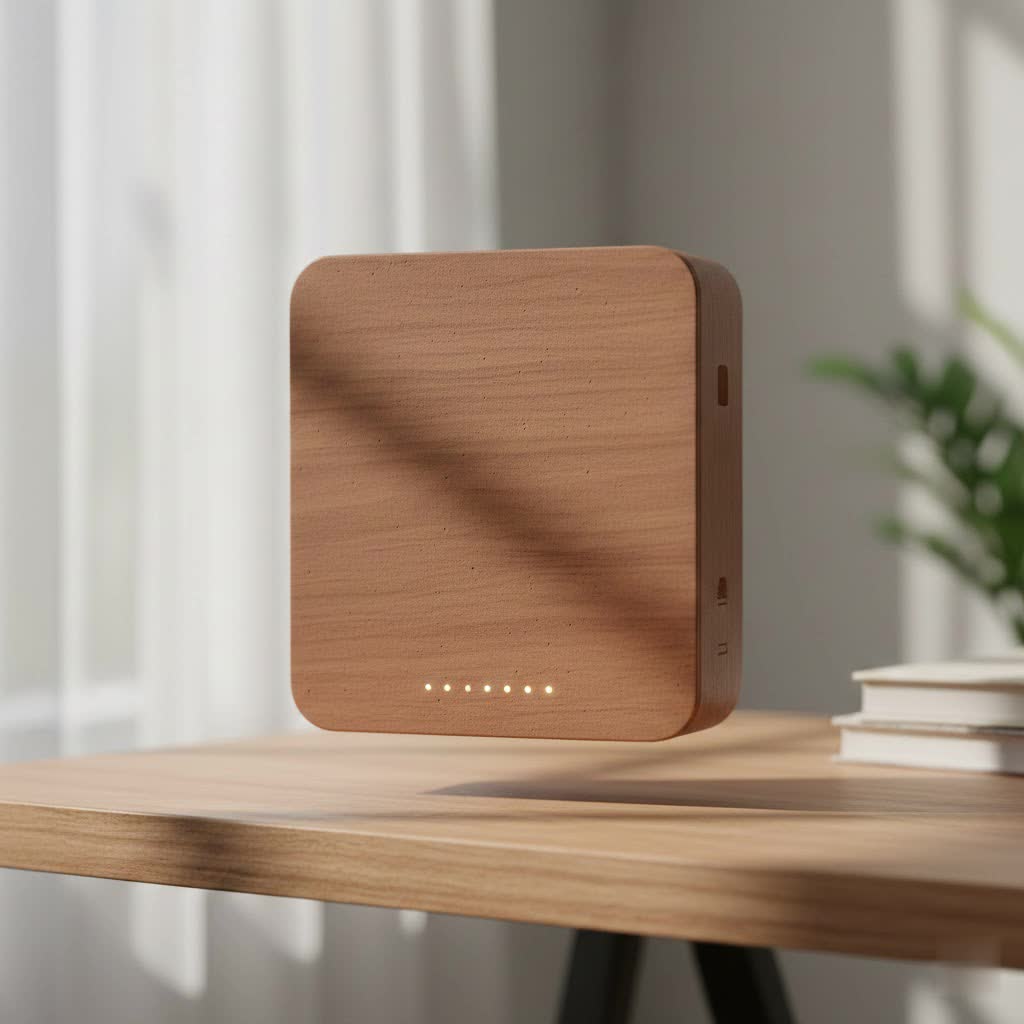
This isn’t just another product review. We’ll dive deep into what the eero 6 is, how it works differently from traditional extenders, and whether it lives up to the hype. By the end of this article, you’ll have all the information you need to make an informed decision and finally conquer those dreaded WiFi dead spots for good.
What is an Eero 6 WiFi Extender, Really?
First, let’s clear up a common misconception. While we use the term “eero 6 WiFi extender,” it’s important to understand that eero devices are not traditional range extenders. They are nodes in a mesh WiFi system.
A traditional extender simply picks up your existing WiFi signal and rebroadcasts it, often creating a separate network with a different name (like “MyNetwork_EXT”). This process can cut your speed in half and lead to a clunky experience where you have to manually switch between networks.
The eero 6 operates on a much smarter principle:
- One Network: The eero 6 and any additional eero nodes work together to create a single, seamless WiFi network throughout your home.
- Intelligent Routing: Eero’s TrueMesh technology intelligently routes traffic to avoid congestion, ensuring every device gets the fastest possible connection.
- Easy Expansion: You start with a main eero router connected to your modem. If you have dead zones, you simply add another eero 6 device (an “extender” or node) which wirelessly connects to the main unit, expanding your coverage without compromising speed.
“Think of a mesh system like a modern lighting system with multiple smart bulbs, all working in unison. A traditional extender is like adding a separate, glaring lamp in the corner. Eero creates a cohesive, intelligent network that covers your home seamlessly,” explains David Chen, a leading network engineer with two decades of experience.
The Eero 6 Family: Which Model is Right for You?
Amazon’s eero lineup includes a few key models, and choosing the right one is crucial for optimal performance. The main differences come down to speed, coverage, and whether they have a built-in Zigbee smart home hub.
Key Eero Models Compared
|
Our Picks for the Best Wifi Extender in 2026
As an Amazon Associate I earn from qualifying purchases.
|
||
| Num | Product | Action |
|---|---|---|
| 1 | TP-Link AC1200 WiFi Extender, 2023 Engadget Best Budget Pick, 1.2Gbps Signal Booster for Home, Dual Band 5GHz/2.4GHz, Covers Up to 1500 Sq.ft and 30 Devices,Support Onemesh, One Ethernet Port (RE315) |

|
| 2 | 2025 Fastest WiFi Extender, WiFi Repeater, WiFi Booster, Covers Up to 10000 Sq.ft and 80 Devices, Internet Booster - with Ethernet Port, Quick Setup, Home Wireless Signal Booster |
|
| 3 | WiFi Extender, WiFi Extenders Signal Booster for Home Up to 5000 sq.ft and 50 Devices, WiFi Range Extender, Wireless Repeater, Long Range Amplifier with Ethernet Port, 1-Tap Setup, Alexa Compatible |
|
| 4 | Amazon eero 7 with 1 month free eero Plus (auto-renews) - Supports internet plans up to 2.5 Gbps, Coverage up to 2,000 sq. ft., Connect 120+ devices, 1-pack |
|
| 5 | Amazon eero 6 mesh wifi extender with 1-month free eero Plus (auto-renews) - Add up to 1,500 sq. ft. of Wi-Fi 6 coverage to your existing eero mesh wifi network |
|
| 6 | 2025 WiFi Extenders Signal Booster for Home Long Range Up to 9800 sq. ft & 40 Devices, WiFi Extender Signal Booster, Quick Setup-Medium, Internet Repeater, WiFi Extender |
|
| 7 | WiFi Extender with 4 Antennas 1200Mbps - Dual Band 5GHz/2.4GHz, WiFi Extender Signal Booster with 3 Modes Support, WiFi Repeater with 12880 Sq.ft 105 Devices, Easy Set Up for Home |
|
| 8 | TP-Link AX3000 WiFi 6 Range Extender - PCMag Editor\'s Choice - Dual-Band Wireless Repeater w/Ethernet Port - Up to 2400 Sq. Ft., 64 Devices - Internet Signal Booster - APP Setup - EasyMesh (RE715X) |
|
| 9 | Amazon eero 6+ mesh wifi system with 1 month free eero Plus (auto-renews) - Coverage up to 4,500 sq. ft., Connect 75+ devices, 3-pack |
|
| 10 | TP-Link AC1900 WiFi Range Extender RE550 - Dual-Band Wireless Repeater Amplifier w/Gigabit Ethernet Port - Up to 2200 Sq. Ft., 32 Devices - Internet Signal Booster - APP Setup - EasyMesh Compatible |
|
| Feature | Eero 6 | Eero 6+ | Eero Pro 6 |
|---|---|---|---|
| Max Speed | Up to 900 Mbps | Up to a gigabit | Up to a gigabit |
| WiFi Standard | Wi-Fi 6 | Wi-Fi 6 | Wi-Fi 6 |
| Bands | Dual-Band | Dual-Band | Tri-Band |
| Coverage (1-pack) | Up to 1,500 sq. ft. | Up to 1,500 sq. ft. | Up to 2,000 sq. ft. |
| 160 MHz Channel | No | Yes | Yes |
| Zigbee Hub | Yes | Yes | Yes |
| Best For | Homes with internet plans up to 500 Mbps | Homes with gigabit internet plans | Pro users, dense environments, gigabit+ plans |
The eero 6+ is often the sweet spot for most users. It supports faster gigabit speeds thanks to its access to the 160 MHz radio channel, providing more bandwidth for demanding tasks like 4K streaming and online gaming across many devices. The eero Pro 6 adds a third band, which acts as a dedicated wireless link between the eero units, ensuring maximum speed is maintained across the entire network, making it ideal for large, complex homes.
Step-by-Step: How to Set Up Your Eero 6 WiFi Extender
One of eero’s biggest selling points is its incredibly simple setup process. You don’t need to be a tech expert. The entire process is handled through a user-friendly mobile app.
- Download the Eero App: Get the eero app for your iOS or Android device. You’ll need to create an account.
- Set Up the Gateway: The app will first guide you to set up your main “gateway” eero. This involves unplugging your old modem and router, connecting the gateway eero to the modem with an Ethernet cable, and then plugging both back in.
- Create Your Network: The app will detect the eero, and you’ll be prompted to choose a network name (SSID) and a strong password.
- Place Your Extender Node: Now, for the eero 6 WiFi extender node. The app will help you find the optimal placement. A good rule of thumb is to place it about halfway between your gateway router and the main dead zone you’re trying to cover.
- Add the Node to Your Network: Plug in the extender node. The app will automatically detect it and, with a few taps, add it to your existing eero mesh network. It will configure itself—no complex settings required.
- Update and Test: Once set up, the app will check for and install any necessary firmware updates. You can then walk around your house and see the seamless, powerful coverage for yourself.
Optimizing Your Eero Network for Peak Performance
Once your system is running, a few tweaks can ensure you’re getting the best possible performance from your eero 6 network.
- Placement is Key: Avoid placing eero nodes inside cabinets, behind large furniture, or near metal objects. They work best when they have a relatively clear line of sight to other eero devices.
- Check Your Internet Plan: An eero system can’t create speed you don’t have. If your internet plan is only 100 Mbps, that’s the maximum speed your network can deliver.
- Restart Regularly: While eero is very stable, a simple restart of your network from the app once a month can clear out any digital cobwebs and keep things running smoothly.
- Enable Advanced Features (Optional): The optional Eero Secure subscription offers advanced security features, ad blocking, and content filters for families, which can also enhance your browsing experience.
Common Problems and Easy Fixes
Even the best systems can have hiccups. Here are some common issues you might encounter with your eero 6 WiFi extender and how to solve them.
Why is my eero node showing a red light?
A solid red light means your eero extender has no internet connection.
- Solution: Make sure your gateway eero is connected to the modem and online. If it is, try moving the red-lit extender closer to another eero node in your network.
Why are my speeds slower than expected?
This can be caused by several factors.
- Solution: First, run a speed test from the eero app itself to see the speed coming into your home. If that’s slow, the issue is with your ISP. If the app speed is fast but your device is slow, try moving closer to the nearest eero node or restarting your device.
Can I use an eero 6 extender with another brand of router?
No, eero devices are designed to work exclusively within their own mesh ecosystem. You must use an eero device as your main gateway router.
Frequently Asked Questions (FAQ)
1. How many eero 6 extenders do I need?
For most homes under 3,000 sq. ft., a 2-pack is often sufficient. Amazon recommends one eero for every 1,500 sq. ft. It’s better to start with a smaller pack and add another node later if you find you still have dead spots.
2. Is the eero 6 compatible with older eero models?
Yes, all eero models are cross-compatible. You can add an eero 6 extender to an older eero network, or vice versa. However, for the best performance, it’s recommended to use the newest generation model as your main gateway.
3. Does the eero 6 support WPA3 security?
Yes, the eero 6 and newer models support WPA3, the latest standard in WiFi security. You can enable it within the eero app for enhanced protection.
4. Can I connect devices via Ethernet to an eero 6 extender?
Yes, each eero 6 node comes with two auto-sensing Gigabit Ethernet ports. You can use these to provide a wired connection to nearby devices like a gaming console, smart TV, or desktop computer.
5. Does an eero 6 WiFi extender work with all internet providers?
Yes, eero is compatible with virtually all internet service providers (ISPs). You simply plug it into your existing modem to get started.
The Verdict: Is the Eero 6 WiFi Extender Worth It?
After extensive testing and years of working with home networking solutions, I can confidently say that for the vast majority of users, the eero 6 WiFi extender system is an outstanding investment. It replaces the complexity and performance issues of traditional extenders with a simple, powerful, and intelligent mesh system that just works.
The ease of setup is unmatched, the performance is reliable, and the ability to create a single, seamless network is a game-changer for modern connected homes. Whether you’re working from home, streaming 4K movies, or have a house full of smart devices, the eero 6 provides a robust foundation for all your wireless needs. If you’re ready to say goodbye to WiFi dead zones forever, the eero 6 mesh system is one of the best solutions on the market today.
