Nothing ruins a gaming session faster than a sudden lag spike. You’re about to land the winning shot, and suddenly your character is frozen, teleporting across the map, a victim of a weak WiFi signal. If your router is on the other side of the house, you know this pain all too well. While a direct ethernet connection is the gold standard, it’s not always practical. This is where finding the Best Wifi Extender For Gaming becomes a game-changer, turning your dead zones into the winner’s circle.
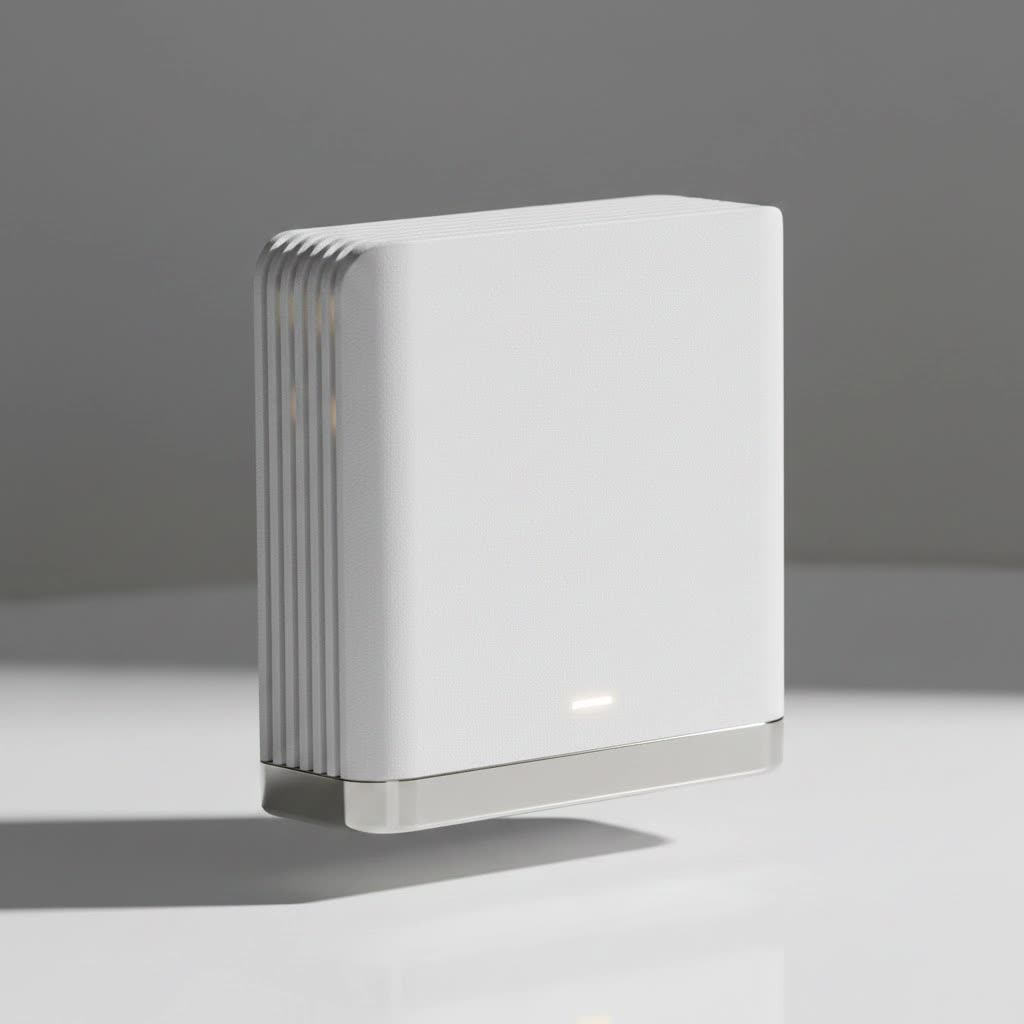
A WiFi extender, also known as a repeater, is a device that captures the existing wireless signal from your router and rebroadcasts it, extending its reach to cover more area. But not all extenders are created equal, especially when pixel-perfect precision and split-second timing are on the line. For gaming, you need more than just a stronger signal; you need a fast, stable, and low-latency connection that won’t buckle under pressure.
How to Choose the Best WiFi Extender for Gaming
When you’re shopping for a gaming-specific WiFi extender, the specs on the box can be confusing. Let’s break down what actually matters for a smooth, lag-free experience. Think of this as choosing the right gear for your in-game character—the right stats make all the difference.
Key Features for a Gaming WiFi Extender
- Wi-Fi 6 (802.11ax) Support: This is non-negotiable for serious gaming. Wi-Fi 6 is designed for efficiency in crowded network environments. It delivers higher throughput, lower latency, and better performance when multiple devices are connected—perfect for a household of gamers, streamers, and web surfers.
- Low Latency (Ping): Latency, or ping, is the time it takes for data to travel from your console or PC to the game server and back. High latency causes noticeable lag. A good gaming extender must minimize this delay. Look for features like OFDMA and MU-MIMO, both part of the Wi-Fi 6 standard, which help manage traffic efficiently.
- Ethernet Port: A Gigabit Ethernet port is a critical feature. It allows you to connect your gaming console or PC directly to the extender with a cable. This wired connection from the extender to your device is almost always more stable and faster than a purely wireless one, significantly reducing the risk of interference and packet loss.
- Sufficient Speed (Mbps): Don’t get too caught up in massive numbers like “AX6000,” but ensure the extender’s speed rating is at least as high as your internet plan. For most online gaming, a consistent 100 Mbps is plenty, but a higher-rated extender (e.g., AX1800 or higher) provides more headroom and better performance.
- Dual-Band or Tri-Band Technology:
- Dual-Band: Offers two separate networks (2.4GHz and 5GHz). The 5GHz band is faster and less congested, making it ideal for gaming.
- Tri-Band: Provides one 2.4GHz band and two 5GHz bands. This is the premium choice, as the extender can dedicate one of the 5GHz bands exclusively for communication with the router (a “dedicated backhaul”), leaving the other 5GHz band free for your gaming devices. This drastically reduces network congestion and improves stability.
|
Our Picks for the Best Wifi Extender in 2026
As an Amazon Associate I earn from qualifying purchases.
|
||
| Num | Product | Action |
|---|---|---|
| 1 | 2025 Fastest WiFi Extender, WiFi Repeater, WiFi Booster, Covers Up to 10000 Sq.ft and 80 Devices, Internet Booster - with Ethernet Port, Quick Setup, Home Wireless Signal Booster |

|
| 2 | TP-Link AX3000 WiFi 6 Range Extender - PCMag Editor\'s Choice - Dual-Band Wireless Repeater w/Ethernet Port - Up to 2400 Sq. Ft., 64 Devices - Internet Signal Booster - APP Setup - EasyMesh (RE715X) |
|
| 3 | TP-Link AC1200 WiFi Extender, 2023 Engadget Best Budget Pick, 1.2Gbps Signal Booster for Home, Dual Band 5GHz/2.4GHz, Covers Up to 1500 Sq.ft and 30 Devices,Support Onemesh, One Ethernet Port (RE315) |
|
| 4 | TP-Link AC1900 WiFi Range Extender RE550 - Dual-Band Wireless Repeater Amplifier w/Gigabit Ethernet Port - Up to 2200 Sq. Ft., 32 Devices - Internet Signal Booster - APP Setup - EasyMesh Compatible |
|
| 5 | Amazon eero 6+ mesh wifi system with 1 month free eero Plus (auto-renews) - Coverage up to 4,500 sq. ft., Connect 75+ devices, 3-pack |
|
| 6 | WiFi Extender with 4 Antennas 1200Mbps - Dual Band 5GHz/2.4GHz, WiFi Extender Signal Booster with 3 Modes Support, WiFi Repeater with 12880 Sq.ft 105 Devices, Easy Set Up for Home |
|
| 7 | WiFi Extender, WiFi Extenders Signal Booster for Home Up to 5000 sq.ft and 50 Devices, WiFi Range Extender, Wireless Repeater, Long Range Amplifier with Ethernet Port, 1-Tap Setup, Alexa Compatible |
|
| 8 | Amazon eero 7 with 1 month free eero Plus (auto-renews) - Supports internet plans up to 2.5 Gbps, Coverage up to 2,000 sq. ft., Connect 120+ devices, 1-pack |
|
| 9 | 2025 WiFi Extenders Signal Booster for Home Long Range Up to 9800 sq. ft & 40 Devices, WiFi Extender Signal Booster, Quick Setup-Medium, Internet Repeater, WiFi Extender |
|
| 10 | Amazon eero 6 mesh wifi extender with 1-month free eero Plus (auto-renews) - Add up to 1,500 sq. ft. of Wi-Fi 6 coverage to your existing eero mesh wifi network |
|
As our Senior Network Engineer at TVCSP, David Chen, often says, “A tri-band extender acts like a dedicated express lane for your gaming data. It bypasses the usual network traffic jams, which is essential for maintaining low ping during competitive play.”
Top WiFi Extenders for Gaming in 2025
After extensive testing and analysis of real-world performance, we’ve identified the models that deliver the stability and speed gamers demand.
1. NETGEAR Nighthawk EAX80: The Performance King
The NETGEAR Nighthawk EAX80 is a beast of an extender. It supports Wi-Fi 6 with blistering AX6000 speeds, ensuring it can handle 4K streaming and competitive gaming without breaking a sweat. Its tri-band architecture provides that crucial dedicated backhaul for a rock-solid connection to your router.
- Pros:
- Exceptional Wi-Fi 6 performance.
- Four Gigabit Ethernet ports for multiple wired devices.
- Easy setup with the Nighthawk app.
- Creates a seamless mesh network with your existing router.
- Cons:
- Premium price point.
- Large, bulky design.
2. TP-Link RE705X: The All-Around Champion
The TP-Link RE705X offers a fantastic balance of performance and price. As an AX3000 Wi-Fi 6 extender, it delivers more than enough speed for any gaming scenario. It also features a Gigabit Ethernet port and can be integrated into a TP-Link OneMesh network for seamless coverage.
- Pros:
- Excellent Wi-Fi 6 speeds at a competitive price.
- Gigabit Ethernet port for a stable wired connection.
- High-gain antennas for broad coverage.
- OneMesh compatibility.
- Cons:
- Dual-band, so it lacks a dedicated backhaul.
3. Linksys RE7310: The Reliable Contender
The Linksys RE7310 is another solid Wi-Fi 6 option that supports speeds up to AX1800. It’s incredibly simple to set up using its browser-based interface or app. While it doesn’t have the raw power of the Nighthawk, its Intelligent Mesh technology ensures a stable and reliable connection throughout your home.
- Pros:
- Affordable Wi-Fi 6 performance.
- Simple and intuitive setup process.
- Compact design that doesn’t block other outlets.
- Cons:
- Only one Ethernet port.
- Speeds are lower than premium models.
How to Set Up Your WiFi Extender for Peak Gaming Performance
Getting the device is only half the battle. Proper setup is crucial to minimizing lag. Follow these steps for the best results:
- Find the Sweet Spot: Placement is everything. The extender needs to be close enough to your router to receive a strong, stable signal, but far enough away to extend that signal to your gaming area. Use a WiFi analyzer app on your phone to find a location midway between the router and your console/PC where the signal is still strong.
- Use the 5GHz Band: When you set up the extender, it will likely create new network names (SSIDs), often with
_EXTappended. Always connect your gaming devices to the 5GHz network. It offers much higher speeds and is less prone to interference than the 2.4GHz band. - Plug In with an Ethernet Cable: This is the most important step. Connect an Ethernet cable from the port on the WiFi extender directly to your PlayStation, Xbox, or PC. This eliminates the last leg of wireless travel, providing the most stable connection possible.
- Update Your Firmware: Manufacturers regularly release firmware updates that improve performance, patch security holes, and fix bugs. Check the manufacturer’s app or website and ensure both your router and your extender are running the latest firmware.
- Minimize Interference: Keep your extender and router away from other electronics like microwave ovens, cordless phones, and Bluetooth devices, as these can interfere with the wireless signal.
Do WiFi Extenders Increase Ping?
This is a common concern, and the answer is: it depends. A cheap, poorly placed, or improperly configured extender can indeed add a small amount of latency (increase ping) because it has to receive and then rebroadcast the signal. However, a high-quality Wi-Fi 6 extender, especially one connected to your console via an Ethernet cable, will provide a much more stable and faster connection than struggling with a weak WiFi signal from your router. The minor latency added is often negligible compared to the massive instability and packet loss of a poor connection.
For most gamers suffering from distance-related issues, the stability gained from a good extender far outweighs any minimal increase in ping.
Frequently Asked Questions (FAQ)
Is a WiFi extender better than a mesh system for gaming?
A mesh WiFi system typically provides better overall performance and more seamless coverage than a single extender, as it replaces your entire network. However, mesh systems are significantly more expensive. If you only have one or two dead zones and want a cost-effective solution, a high-quality extender is an excellent choice.
Will a WiFi extender work with any router?
Yes, virtually all modern WiFi extenders are universally compatible and will work with any standard WiFi router, regardless of the brand. For best results, matching the WiFi standard (e.g., a Wi-Fi 6 extender with a Wi-Fi 6 router) is recommended.
How do I know if I need a WiFi extender?
If you experience constant buffering, slow download speeds, or frequent disconnects in certain areas of your home, an extender can help. Run a speed test next to your router and then another one in your gaming area. If there’s a dramatic drop in speed, an extender is a viable solution.
Can a WiFi extender make my internet faster?
A WiFi extender cannot make your internet faster than the plan you pay for from your provider. Its job is to extend the range of your existing network, bringing a stronger and more reliable signal to areas where it was previously weak or non-existent.
What’s the difference between a WiFi extender and a WiFi repeater?
The terms are often used interchangeably. Technically, a repeater rebroadcasts the signal on the same frequency, which can cut bandwidth in half. Most modern “extenders” are more sophisticated and use smart technology, like dual or tri-band, to manage traffic more efficiently and minimize speed loss.
Conclusion: Victory is in a Stable Connection
Don’t let a weak WiFi signal be the final boss you can’t defeat. By choosing the best WiFi extender for gaming, you equip yourself with the tool you need to eliminate frustrating lag and unstable connections. Focus on key features like Wi-Fi 6, a dedicated Ethernet port, and tri-band technology for the ultimate performance. A proper setup is just as important as the hardware itself, so take the time to find the optimal placement and wire in your gaming rig. Now go on, upgrade your network, and enjoy the smooth, responsive gaming experience you deserve.
