Are you tired of wandering around your house, phone in hand, chasing a stable Wi-Fi signal? It’s a modern frustration we all know too well: a strong signal in the living room, but a complete dead zone in the upstairs bedroom. For years, the go-to solution was a traditional Wi-Fi extender, but they often came with their own set of problems, like clunky handoffs and reduced speeds. Enter the Mesh Wifi Extender, a smarter, more sophisticated solution designed to blanket your entire home in seamless, reliable connectivity. If you’re looking to finally conquer those frustrating dead spots and achieve true whole-home Wi-Fi, you’ve come to the right place.
As the lead content creator at TVCSP with over 15 years of hands-on experience, I’ve seen the evolution of home networking. Mesh systems represent one of the biggest leaps forward for the average user, and understanding how they work is the first step toward solving your Wi-Fi woes for good.
What is a Mesh Wifi Extender System?
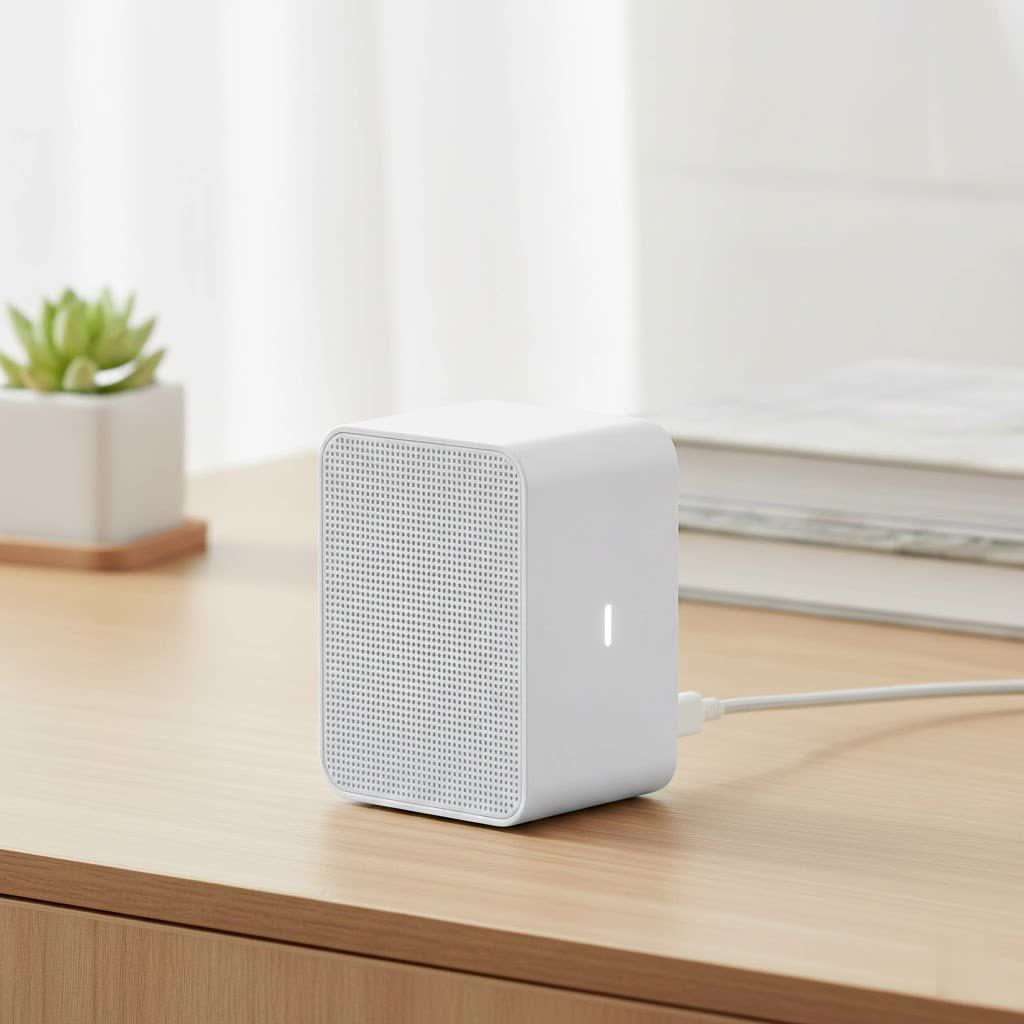
A mesh wifi extender system, often called a whole-home mesh Wi-Fi system, is a set of devices that work together to replace your single, traditional router. The system consists of a main router (or “hub”) that connects directly to your modem and several satellite modules, or “nodes,” that you place around your house. These nodes communicate with each other to create a single, unified Wi-Fi network that covers your entire home.
Unlike a traditional extender that simply repeats the signal from your main router, a mesh system is far more intelligent. All the nodes are part of the same network, sharing the same network name (SSID) and password. This allows your devices to seamlessly switch to the strongest signal as you move from room to room, a process known as “seamless roaming.” You won’t experience dropped video calls or buffering videos as your phone or laptop intelligently connects to the nearest node without you ever noticing.
How Does It Differ From a Traditional Extender?
The distinction between a mesh system and a classic range extender is crucial. Think of it like this:
- Traditional Extender: Imagine shouting a message to someone far away, and a person in the middle (the extender) simply shouts what they heard. The message gets there, but it’s often weaker, and you’re aware of the relay. These extenders create a separate network (e.g., “MyWifi_EXT”), and your device has to manually disconnect from the main router and connect to the extender, causing a brief but noticeable interruption.
- Mesh Wifi Extender: Now, imagine a team of people who can all talk to each other intelligently. They pass your message along the most efficient path, ensuring it arrives quickly and clearly. This is how a mesh network operates. All nodes are part of a single, smart network, managing traffic and connections automatically for optimal performance.
|
Our Picks for the Best Wifi Extender in 2026
As an Amazon Associate I earn from qualifying purchases.
|
||
| Num | Product | Action |
|---|---|---|
| 1 | TP-Link AC1200 WiFi Extender, 2023 Engadget Best Budget Pick, 1.2Gbps Signal Booster for Home, Dual Band 5GHz/2.4GHz, Covers Up to 1500 Sq.ft and 30 Devices,Support Onemesh, One Ethernet Port (RE315) |

|
| 2 | Amazon eero 6+ mesh wifi system with 1 month free eero Plus (auto-renews) - Coverage up to 4,500 sq. ft., Connect 75+ devices, 3-pack |
|
| 3 | Amazon eero 6 mesh wifi extender with 1-month free eero Plus (auto-renews) - Add up to 1,500 sq. ft. of Wi-Fi 6 coverage to your existing eero mesh wifi network |
|
| 4 | Amazon eero 7 with 1 month free eero Plus (auto-renews) - Supports internet plans up to 2.5 Gbps, Coverage up to 2,000 sq. ft., Connect 120+ devices, 1-pack |
|
| 5 | WiFi Extender with 4 Antennas 1200Mbps - Dual Band 5GHz/2.4GHz, WiFi Extender Signal Booster with 3 Modes Support, WiFi Repeater with 12880 Sq.ft 105 Devices, Easy Set Up for Home |
|
| 6 | WiFi Extender, WiFi Extenders Signal Booster for Home Up to 5000 sq.ft and 50 Devices, WiFi Range Extender, Wireless Repeater, Long Range Amplifier with Ethernet Port, 1-Tap Setup, Alexa Compatible |
|
| 7 | 2025 Fastest WiFi Extender, WiFi Repeater, WiFi Booster, Covers Up to 10000 Sq.ft and 80 Devices, Internet Booster - with Ethernet Port, Quick Setup, Home Wireless Signal Booster |
|
| 8 | TP-Link AX3000 WiFi 6 Range Extender - PCMag Editor\'s Choice - Dual-Band Wireless Repeater w/Ethernet Port - Up to 2400 Sq. Ft., 64 Devices - Internet Signal Booster - APP Setup - EasyMesh (RE715X) |
|
| 9 | TP-Link AC1900 WiFi Range Extender RE550 - Dual-Band Wireless Repeater Amplifier w/Gigabit Ethernet Port - Up to 2200 Sq. Ft., 32 Devices - Internet Signal Booster - APP Setup - EasyMesh Compatible |
|
| 10 | 2025 WiFi Extenders Signal Booster for Home Long Range Up to 9800 sq. ft & 40 Devices, WiFi Extender Signal Booster, Quick Setup-Medium, Internet Repeater, WiFi Extender |
|
“The beauty of a mesh network lies in its dynamic, multi-point communication. Instead of a simple hub-and-spoke model, it’s a true web of connectivity, self-healing and optimizing data paths in real-time. For the end-user, this complexity translates into effortless, robust Wi-Fi.” – Dr. Evelyn Reed, a leading network architect.
The Pros and Cons of a Mesh Wifi System
Before you invest in a mesh wifi extender, it’s important to weigh the advantages and disadvantages to see if it’s the right fit for your home.
Advantages:
- Eliminates Dead Zones: The primary benefit is complete and consistent coverage. By placing nodes strategically, you can cover large homes, multi-story houses, and even outdoor spaces.
- Seamless Roaming: You can move throughout your home without ever manually switching networks or losing connection. Your video calls, streaming, and gaming will be uninterrupted.
- Easy Setup and Management: Most mesh systems are designed for non-technical users. Setup is typically done through a simple smartphone app that guides you through the process, including optimal placement for your nodes.
- A Single Network Name (SSID): No more confusion between “MyWifi” and “MyWifi_EXT.” Your entire home operates under one network name for simplicity.
- Intelligent Traffic Management: Mesh networks automatically route your device’s connection through the best node and on the least congested Wi-Fi band (2.4GHz or 5GHz), ensuring better speeds and stability.
Disadvantages:
- Cost: Mesh systems are generally more expensive than a single high-end router or a traditional range extender.
- Potential for Slower Speeds on Some Nodes: In a basic “daisy-chain” setup, where one node connects to another farther from the router, speeds can decrease with each “hop.” However, more advanced tri-band systems mitigate this issue with a dedicated backhaul band.
- Overkill for Small Spaces: If you live in a small apartment or a single-story home with minimal signal issues, a powerful standalone router might be more than sufficient and more cost-effective.
Step-by-Step: How to Set Up Your Mesh Wifi Extender
Getting a mesh network up and running is surprisingly straightforward. While the exact steps vary by manufacturer, the general process is universal.
- Download the Manufacturer’s App: Start by downloading the corresponding app for your mesh system (e.g., Google Home, Eero, Netgear Orbi) on your smartphone.
- Connect the Main Node: Unplug your old router. Connect the main mesh node (often labeled as the “router” or “hub”) to your modem using an Ethernet cable. Power it on.
- Create Your Network: Open the app and follow the on-screen instructions. You’ll be prompted to create a new Wi-Fi network name (SSID) and a secure password.
- Place Your Satellite Nodes: The app will then instruct you to power on your satellite nodes. Place them strategically around your home to cover dead zones. A good rule of thumb is to place them about halfway between the main router and a known dead spot. Avoid placing them in the dead spot itself, as they need to receive a decent signal to extend it effectively.
- Let the System Sync: The nodes will automatically detect each other and configure the network. The app will usually confirm when each node is connected and may even provide feedback on its placement, telling you if it’s too close or too far from another node.
- Connect Your Devices: Once the network is established, you can connect all your devices—laptops, phones, smart TVs—to the new Wi-Fi network you created.
Tips for Optimizing Your Mesh Network Performance
Once your system is set up, a few tweaks can ensure you’re getting the best possible performance.
- Optimal Node Placement: Keep nodes out in the open, not hidden in cabinets or behind furniture. Elevate them if possible. Try to maintain a clear line of sight between nodes, avoiding thick concrete walls or large metal appliances.
- Utilize a Wired Backhaul (If Possible): If your home is wired with Ethernet ports, you can connect your satellite nodes to the main router via an Ethernet cable. This “wired backhaul” provides the fastest and most stable connection between nodes, reserving all the Wi-Fi bandwidth for your wireless devices.
- Regularly Update Firmware: Manufacturers frequently release firmware updates that improve performance, add new features, and patch security vulnerabilities. Enable automatic updates in your system’s app.
- Reboot Occasionally: Just like any piece of technology, a simple restart can solve many common glitches. Rebooting your entire mesh system once a month can help keep it running smoothly.
Frequently Asked Questions (FAQ)
Can I add a mesh extender to my existing router?
Some brands offer individual mesh nodes that can work with your existing router, but this is not ideal. A full mesh system, where all nodes are from the same manufacturer and designed to work together, will always provide a better, more seamless experience.
How many mesh nodes do I need?
This depends on the size and layout of your home. A good starting point is a 3-pack for a typical two-story home (around 3,000-4,500 sq. ft.). For smaller homes or apartments, a 2-pack might be sufficient. Most systems are modular, so you can always add more nodes later if needed.
Will a mesh wifi extender increase my internet speed?
A mesh system will not increase the speed of the internet plan you purchase from your provider. However, it will ensure that you can access more of that speed from anywhere in your home by eliminating weak signal areas and reducing network congestion.
Is a mesh network secure?
Yes, mesh networks use the same security standards as traditional routers, such as WPA2 and WPA3 encryption. Most systems also offer additional security features through their apps, including guest networks, parental controls, and automatic security updates.
Can I use mesh nodes from different brands together?
No, you cannot mix and match nodes from different manufacturers (e.g., a Google Nest node with a Netgear Orbi system). You must use nodes that are designed to work within the same ecosystem.
The Final Verdict: Is a Mesh Wifi Extender for You?
If you’re living in a medium-to-large home and are constantly battling Wi-Fi dead zones, slow speeds in certain rooms, or the annoyance of switching between networks, a mesh wifi extender system is unequivocally the best solution available today. It trades the complexity and limitations of older technologies for a simple, smart, and powerful system that just works.
While the upfront investment is higher than a traditional extender, the value it delivers in reliable, whole-home coverage and ease of use is well worth it. By creating a single, seamless network, a mesh system allows you to finally stop thinking about your Wi-Fi and just enjoy using it, everywhere.
