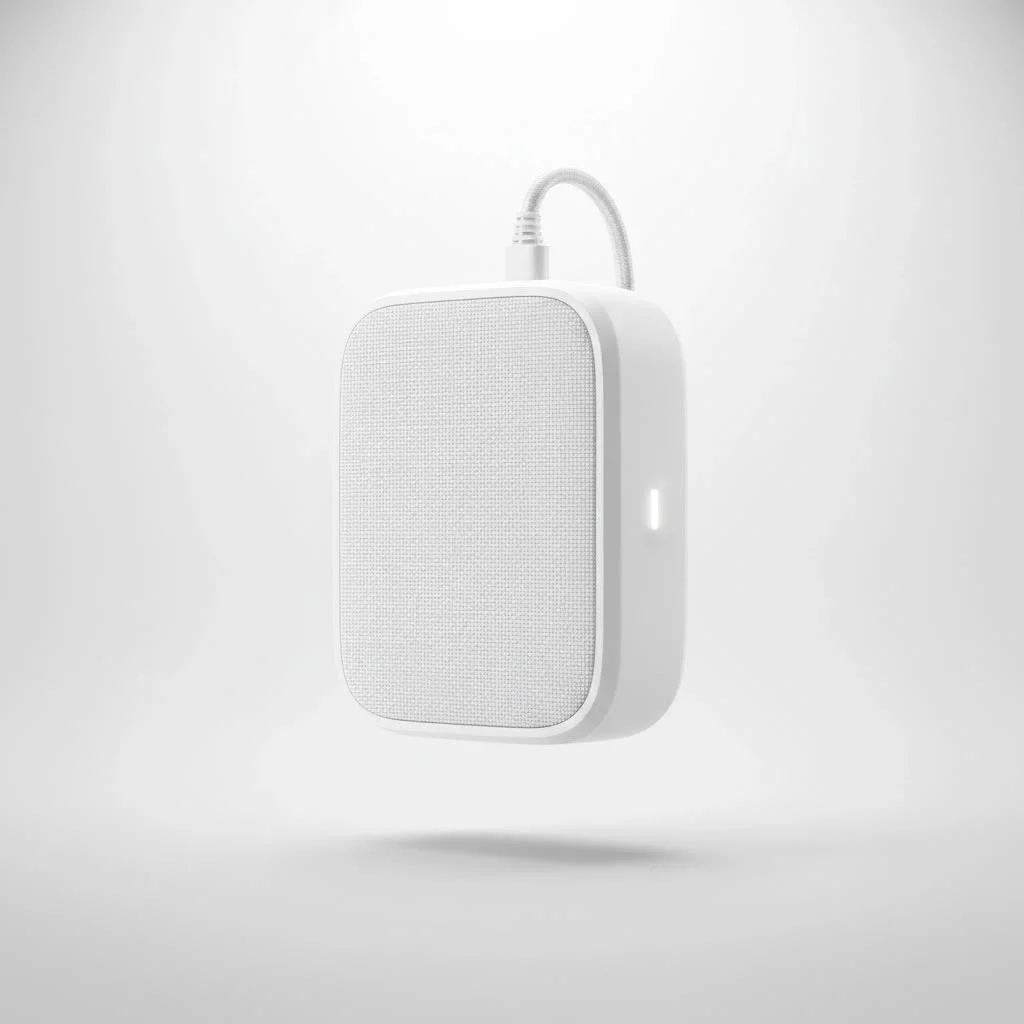
A Ring doorbell WiFi extender can significantly improve your device’s performance by boosting its signal, especially if you experience pixelated video or delayed notifications. A strong WiFi signal, indicated by an RSSI between 0 and -60 in the Ring app, is crucial for reliable home security and clear video feeds. Extenders act as a bridge, rebroadcasting your router’s signal to areas with weak coverage, such as your front porch, ensuring your Ring doorbell maintains a stable connection.
Why Does Your Ring Doorbell Have a Weak WiFi Signal?
Understanding the root cause of a weak signal is the first step toward a solution. The performance of any WiFi-connected device is measured by its Received Signal Strength Indicator (RSSI). For Ring devices, an RSSI between 0 and -60 indicates a good connection, while -61 to -90 signifies a poor connection. For shop curated wifi extenders on this site.
Several factors can contribute to a weak signal:
- Distance from Router: Greater distance between your doorbell and WiFi router results in a weaker signal.
- Physical Obstructions: Materials like brick, concrete, metal, thick wood, and large appliances can severely block WiFi signals.
- WiFi Interference: Other electronic devices (microwaves, cordless phones) and neighboring WiFi networks can compete for wireless channels, weakening your doorbell’s signal.
What is a WiFi Extender and How Does It Help?
A WiFi extender, also known as a WiFi booster or repeater, captures the existing signal from your router and rebroadcasts it. This creates an extended network, pushing the signal farther into areas of your home where the connection is weak or non-existent. By strategically placing an extender halfway between your router and your Ring doorbell, you can provide the strong, stable signal needed for optimal performance.
The Big Question: Ring Chime Pro vs. a Regular WiFi Extender
When seeking a Ring doorbell WiFi extender, you’ll primarily consider two options: Ring’s proprietary Chime Pro and a standard third-party WiFi extender. Both aim to improve connectivity but differ in their approach.
What is the Ring Chime Pro?
The Ring Chime Pro is a 2-in-1 device specifically designed for the Ring ecosystem. It functions as an audible indoor chime for your doorbell and a dedicated WiFi extender for your Ring devices. It establishes a separate network exclusively for your Ring cameras and doorbells, which can help reduce congestion on your main home network.
What is a Standard WiFi Extender?
A standard WiFi extender from brands like TP-Link, Netgear, or Eero offers a more versatile solution. It rebroadcasts your main WiFi network, often under a new name (e.g., “MyHomeWiFi_EXT”) or as part of a seamless mesh network. The key distinction is that it extends coverage for all your WiFi-enabled devices, not just Ring products.
Head-to-Head Comparison
|
Our Picks for the Best Wifi Extender in 2026
As an Amazon Associate I earn from qualifying purchases.
|
||
| Num | Product | Action |
|---|---|---|
| 1 | TP-Link AX3000 WiFi 6 Range Extender - PCMag Editor\'s Choice - Dual-Band Wireless Repeater w/Ethernet Port - Up to 2400 Sq. Ft., 64 Devices - Internet Signal Booster - APP Setup - EasyMesh (RE715X) |

|
| 2 | Amazon eero 6+ mesh wifi system with 1 month free eero Plus (auto-renews) - Coverage up to 4,500 sq. ft., Connect 75+ devices, 3-pack |
|
| 3 | 2025 Fastest WiFi Extender, WiFi Repeater, WiFi Booster, Covers Up to 10000 Sq.ft and 80 Devices, Internet Booster - with Ethernet Port, Quick Setup, Home Wireless Signal Booster |
|
| 4 | Amazon eero 7 with 1 month free eero Plus (auto-renews) - Supports internet plans up to 2.5 Gbps, Coverage up to 2,000 sq. ft., Connect 120+ devices, 1-pack |
|
| 5 | WiFi Extender with 4 Antennas 1200Mbps - Dual Band 5GHz/2.4GHz, WiFi Extender Signal Booster with 3 Modes Support, WiFi Repeater with 12880 Sq.ft 105 Devices, Easy Set Up for Home |
|
| 6 | TP-Link AC1200 WiFi Extender, 2023 Engadget Best Budget Pick, 1.2Gbps Signal Booster for Home, Dual Band 5GHz/2.4GHz, Covers Up to 1500 Sq.ft and 30 Devices,Support Onemesh, One Ethernet Port (RE315) |
|
| 7 | TP-Link AC1900 WiFi Range Extender RE550 - Dual-Band Wireless Repeater Amplifier w/Gigabit Ethernet Port - Up to 2200 Sq. Ft., 32 Devices - Internet Signal Booster - APP Setup - EasyMesh Compatible |
|
| 8 | 2025 WiFi Extenders Signal Booster for Home Long Range Up to 9800 sq. ft & 40 Devices, WiFi Extender Signal Booster, Quick Setup-Medium, Internet Repeater, WiFi Extender |
|
| 9 | WiFi Extender, WiFi Extenders Signal Booster for Home Up to 5000 sq.ft and 50 Devices, WiFi Range Extender, Wireless Repeater, Long Range Amplifier with Ethernet Port, 1-Tap Setup, Alexa Compatible |
|
| 10 | Amazon eero 6 mesh wifi extender with 1-month free eero Plus (auto-renews) - Add up to 1,500 sq. ft. of Wi-Fi 6 coverage to your existing eero mesh wifi network |
|
| Feature | Ring Chime Pro | Standard WiFi Extender |
|---|---|---|
| Primary Function | Audible chime & Ring device extender | General WiFi network extender |
| Device Compatibility | Only Ring devices | All WiFi devices |
| Network | Creates a dedicated network for Ring | Extends your existing network for all |
| Setup | Simple, via the Ring app | Usually via a web browser or app |
| Versatility | Limited to the Ring ecosystem | Highly versatile for the whole home |
| Cost | Moderately priced | Wide range of prices and features |
As our lead network technician, John Carter, often advises, “The Ring Chime Pro is a fantastic, streamlined solution if your only connectivity issue is with your Ring devices. However, if you also have dead spots affecting your phone or laptop in other parts of the house, a standard WiFi extender offers far greater value and solves multiple problems at once.”
How to Choose the Best WiFi Extender for Your Ring Doorbell
If you’ve decided a standard extender is right for you, here’s what to look for:
- Compatibility: Ring doorbells primarily use the 2.4 GHz WiFi band for its superior range through walls. Ensure your chosen extender offers strong 2.4 GHz performance. A dual-band extender (supporting both 2.4 GHz and 5 GHz) is ideal for overall home use.
- Range and Coverage: Check the extender’s specifications for additional coverage (measured in square feet). Select a model that comfortably covers the distance to your front door.
- Ease of Setup: Prioritize models with a simple setup, often featuring a WPS (Wi-Fi Protected Setup) button for quick connection to your router.
- Price: An expensive model isn’t always necessary. A reliable plug-in extender is often sufficient for boosting the signal to a single device like a Ring doorbell.
Step-by-Step: How to Set Up Your Ring Doorbell with a WiFi Extender
Connecting your Ring doorbell to an extender involves two main parts: setting up the extender itself, then connecting your doorbell to the new, extended network.
Part 1: Setting Up the WiFi Extender
- Find the Optimal Location: Plug the extender into a power outlet approximately halfway between your WiFi router and your Ring doorbell. This placement ensures it receives a strong signal to rebroadcast effectively.
- Power It On: Wait for the power indicator light to become solid, signifying it’s ready.
- Connect to Your Router: The simplest method is using the WPS button. Press the WPS button on your router, then within two minutes, press the WPS button on your extender. Lights should confirm a successful connection.
- Configure Manually (if needed): If WPS fails, connect to the extender’s default network from your phone or computer. Follow the setup instructions in its web interface to select your home network and enter your password.
Part 2: Connecting Your Ring Doorbell to the Extender’s Network
- Open the Ring App: Tap the three horizontal lines in the top left corner of the app.
- Select Your Device: Tap on your specific Ring Doorbell from the list of devices.
- Go to Device Health: Tap the gear icon for settings, then navigate to “Device Health.”
- Change WiFi Network: Under the “Network” section, tap “Change Wi-Fi Network” or “Reconnect to Wi-Fi.”
- Follow In-App Instructions: The app will prompt you to put your doorbell into setup mode, typically by pressing a small button on its back or side.
- Select the Extender’s Network: When your phone displays available WiFi networks, choose the new network created by your extender (e.g., “MyHomeWiFi_EXT”).
- Enter Password: Type in your regular WiFi password for your home network.
- Confirm Connection: After completion, return to “Device Health” in the Ring app to verify the significantly improved RSSI signal strength.
Pro Tips for Optimizing Your Connection
- Placement is Everything: While the “halfway” rule is a good starting point, experiment by moving the extender a few feet in either direction to find the absolute best location for signal strength.
- Avoid Obstacles: Position the extender in an open area, away from large metal objects, fish tanks, or microwave ovens, which can cause interference.
- Update Firmware: Regularly check for and install firmware updates for both your router and your extender to ensure they operate efficiently and maintain optimal security.
Frequently Asked Questions (FAQ)
Can I use any WiFi extender with my Ring doorbell? Yes, most modern WiFi extenders are compatible with Ring devices. Ensure the extender supports the 2.4 GHz band, as Ring Doorbells primarily use this frequency for its superior range through walls.
Is the Ring Chime Pro better than a standard WiFi extender? The Ring Chime Pro is simpler for Ring-specific connectivity and includes an audible chime. However, a standard WiFi extender is more versatile, often more powerful, and benefits all WiFi-enabled devices in your home, not just Ring products.
How do I know if I need a WiFi extender for my Ring doorbell? Check your doorbell’s RSSI in the Ring app under “Device Health.” If the RSSI is consistently below -60 (e.g., -65, -70) and you experience poor video quality or frequent connection drops, an extender would likely be beneficial.
Will a WiFi extender slow down my internet speed? A WiFi extender can introduce a small amount of latency, which might slightly reduce overall internet speeds. However, for a Ring doorbell, the advantage of a stable, strong connection significantly outweighs any minor speed reduction, providing a much more reliable experience than a weak signal from your main router.
Where is the best place to put a WiFi extender? The ideal location for a WiFi extender is approximately halfway between your main router and your Ring doorbell. This placement allows it to receive a strong signal from the router to repeat, while also being close enough to broadcast that strong signal effectively to the doorbell.
Conclusion
A weak WiFi signal should not compromise your home security. By understanding the causes of poor connectivity and selecting the appropriate solution, you can ensure your Ring doorbell operates at peak performance. Whether you choose the dedicated Ring Chime Pro or a more versatile standard Ring doorbell WiFi extender, boosting your signal will provide clearer video, faster notifications, and the reliability you expect from a smart security device. Extend your network and stay connected to enhance your home’s security.
Get our weekly buyer guide
Practical specs, not advice. Unsubscribe anytime.
My Ring doorbell was always having delayed notifications, which was really frustrating. I learned that a strong WiFi signal is crucial for reliable home security, and my router just wasn’t cutting it for the front door. This extender really helped rebroadcast the signal to that dead zone. It’s not perfect, but the improvement is significant and I’m getting alerts much quicker now.
This device solved my biggest Ring doorbell headache! My front porch always had terrible WiFi coverage, leading to missed motion alerts and really choppy video. The extender was easy to set up and now my doorbell has a stable connection. It’s great to finally have reliable security without worrying about signal strength.
I was constantly getting pixelated video from my Ring doorbell, especially at night. After reading about the importance of RSSI and how an extender acts as a bridge, I decided to try one. My RSSI went from -70 to -45 almost instantly! Now I get clear video and notifications are super fast. Definitely worth it for anyone struggling with a weak signal on their porch.
I bought an extender because my Ring app showed my doorbell had an RSSI of -65, and I was hoping to get it into that 0 to -60 range. It did improve things a bit, bringing it to about -58, but I still get occasional dropped connections. It’s better than before, but I was hoping for a more dramatic change. Setup was easy though.