Is there anything more frustrating than settling in for a gaming session on your PS5, only to be hit with crippling lag, slow download speeds, and connection drops? You’ve got the latest console, but your home network is holding it back. For many gamers, the culprit is a weak WiFi signal that can’t quite reach the console with the strength it needs. This is where a wifi extender for ps5 can be a total game-changer, transforming your online experience from a glitchy mess into a smooth, seamless victory.
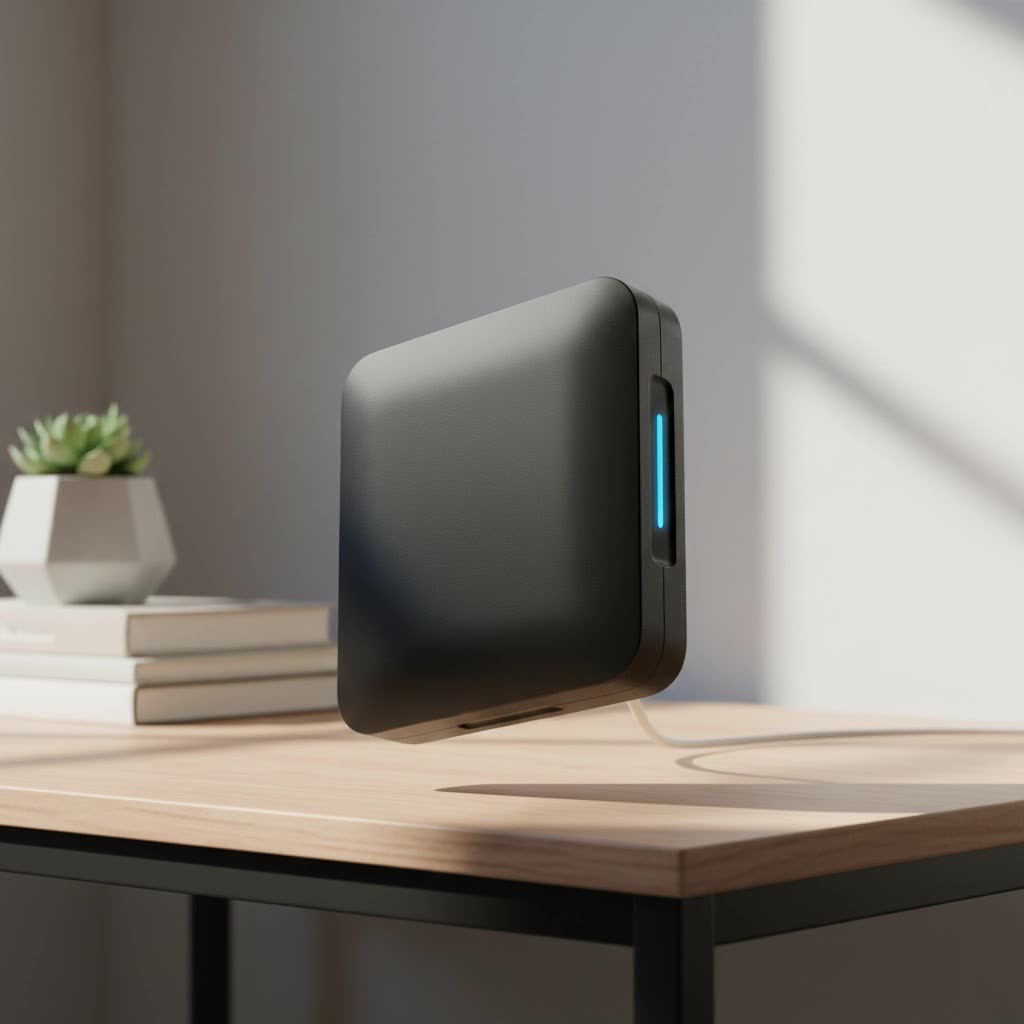
If your router is in the living room and your PS5 is tucked away in a bedroom or basement, you’re likely facing a signal strength issue. Walls, floors, and even furniture can degrade your WiFi signal, leading to the dreaded lag spikes that get you eliminated in a competitive match. A WiFi extender acts as a bridge, picking up your router’s existing signal, amplifying it, and rebroadcasting it to those hard-to-reach areas, ensuring your console gets the stable connection it deserves.
Why Is Your PS5 WiFi So Slow?
Before you can fix the problem, it helps to understand the cause. Several factors can contribute to a poor WiFi experience on your PlayStation 5, and it’s often a combination of issues.
- Distance from the Router: This is the most common culprit. The farther your PS5 is from your router, the weaker the signal will be. WiFi signals lose strength over distance, which directly translates to lower speeds and higher latency.
- Physical Obstructions: The signal from your router has to travel through your home to reach your console. Dense materials like brick walls, concrete floors, metal appliances, and even large fish tanks can significantly block or weaken WiFi signals.
- Network Congestion: Your PS5 isn’t the only device on your network. Phones, laptops, smart TVs, and other gadgets are all competing for bandwidth. On a crowded network, especially on the older 2.4 GHz band, this congestion can slow everyone down.
- Outdated Router: Your PlayStation 5 comes equipped with modern WiFi 6 technology. If you’re using an old router that doesn’t support this standard, you’re creating a bottleneck and not taking full advantage of the console’s networking capabilities.
What is a WiFi Extender and How Does It Help Gaming?
Think of a WiFi extender as a relay runner in a race. It grabs the WiFi signal (the baton) from your router and carries it further into your home before passing it on to your PS5. It doesn’t create a new internet connection; it simply expands the reach of your existing one.
For gaming, this brings a crucial benefit: a stronger, more stable signal. While a weak signal constantly fluctuates, causing packet loss and lag, a strong signal delivered by an extender provides the consistency needed for online multiplayer games. A common concern is whether extenders add latency or “ping.” While they technically introduce a miniscule amount of latency because they are an extra hop for the signal, this is often negligible. The stability gained from a strong signal almost always outweighs the tiny increase in ping. Having a stable 50ms ping is far better than having a connection that jumps between 30ms and 300ms.
Key Features in a WiFi Extender for PS5
Not all WiFi extenders are created equal, especially when it comes to the demands of online gaming. To ensure you’re getting the best performance for your PS5, look for these critical features.
WiFi 6 (802.11ax)
|
Our Picks for the Best Wifi Extender in 2026
As an Amazon Associate I earn from qualifying purchases.
|
||
| Num | Product | Action |
|---|---|---|
| 1 | 2025 Fastest WiFi Extender, WiFi Repeater, WiFi Booster, Covers Up to 10000 Sq.ft and 80 Devices, Internet Booster - with Ethernet Port, Quick Setup, Home Wireless Signal Booster |

|
| 2 | Amazon eero 6+ mesh wifi system with 1 month free eero Plus (auto-renews) - Coverage up to 4,500 sq. ft., Connect 75+ devices, 3-pack |
|
| 3 | TP-Link AC1900 WiFi Range Extender RE550 - Dual-Band Wireless Repeater Amplifier w/Gigabit Ethernet Port - Up to 2200 Sq. Ft., 32 Devices - Internet Signal Booster - APP Setup - EasyMesh Compatible |
|
| 4 | WiFi Extender with 4 Antennas 1200Mbps - Dual Band 5GHz/2.4GHz, WiFi Extender Signal Booster with 3 Modes Support, WiFi Repeater with 12880 Sq.ft 105 Devices, Easy Set Up for Home |
|
| 5 | TP-Link AX3000 WiFi 6 Range Extender - PCMag Editor\'s Choice - Dual-Band Wireless Repeater w/Ethernet Port - Up to 2400 Sq. Ft., 64 Devices - Internet Signal Booster - APP Setup - EasyMesh (RE715X) |
|
| 6 | Amazon eero 7 with 1 month free eero Plus (auto-renews) - Supports internet plans up to 2.5 Gbps, Coverage up to 2,000 sq. ft., Connect 120+ devices, 1-pack |
|
| 7 | TP-Link AC1200 WiFi Extender, 2023 Engadget Best Budget Pick, 1.2Gbps Signal Booster for Home, Dual Band 5GHz/2.4GHz, Covers Up to 1500 Sq.ft and 30 Devices,Support Onemesh, One Ethernet Port (RE315) |
|
| 8 | 2025 WiFi Extenders Signal Booster for Home Long Range Up to 9800 sq. ft & 40 Devices, WiFi Extender Signal Booster, Quick Setup-Medium, Internet Repeater, WiFi Extender |
|
| 9 | WiFi Extender, WiFi Extenders Signal Booster for Home Up to 5000 sq.ft and 50 Devices, WiFi Range Extender, Wireless Repeater, Long Range Amplifier with Ethernet Port, 1-Tap Setup, Alexa Compatible |
|
| 10 | Amazon eero 6 mesh wifi extender with 1-month free eero Plus (auto-renews) - Add up to 1,500 sq. ft. of Wi-Fi 6 coverage to your existing eero mesh wifi network |
|
This is the most important feature. The PS5 supports WiFi 6, which offers faster speeds, lower latency, and better performance in congested environments compared to older standards like WiFi 5 (802.11ac). Pairing your PS5 with a WiFi 6 extender ensures you get the maximum possible performance.
Dual-Band or Tri-Band Support
A good extender should operate on at least two bands: 2.4 GHz and 5 GHz.
- 2.4 GHz: Slower speeds but better range and can penetrate walls more effectively.
- 5 GHz: Much faster speeds and less interference, which is ideal for gaming.
A tri-band extender adds a second 5 GHz band, which can be used as a dedicated backhaul to communicate with the router, freeing up the other band exclusively for your devices like the PS5.
Gigabit Ethernet Port
This is a non-negotiable feature for any serious gamer. A Gigabit Ethernet port allows you to connect your PS5 directly to the extender with an Ethernet cable. This wired connection from the extender to the console eliminates any potential wireless instability on that final, crucial link, giving you the best possible speed and lowest latency the extender can provide.
MU-MIMO and Beamforming
These sound technical, but their job is simple.
- MU-MIMO (Multi-User, Multiple Input, Multiple Output): Allows the extender to communicate with multiple devices simultaneously, reducing wait times and improving network efficiency.
- Beamforming: A smart technology that focuses the WiFi signal directly toward your PS5 instead of broadcasting it equally in all directions, creating a stronger and more reliable connection.
The Best WiFi Extenders for PS5 in 2025
While the market is flooded with options, a few models stand out for their gaming-centric features.
1. The Speed Demon: TP-Link RE705X (AX3000)
This extender is a fantastic sweet spot of performance and price. It offers blazing-fast AX3000 WiFi 6 speeds, a Gigabit Ethernet port for that essential wired connection, and is incredibly easy to set up using the TP-Link Tether app. Its smart signal indicator helps you find the perfect placement to ensure optimal coverage.
2. The Coverage King: Netgear Nighthawk EAX80 (AX6000)
If you have a large home or very thick walls, the Nighthawk EAX80 is a powerhouse. It delivers exceptional AX6000 speeds and massive coverage with its eight-stream WiFi. It also features multiple Gigabit Ethernet ports, so you can wire up your PS5 and other nearby devices. It’s more of an investment, but for eliminating dead zones completely, it’s hard to beat.
3. The Budget-Friendly Choice: D-Link Eagle Pro AI E15 (AX1500)
You don’t have to break the bank to get a great connection. The D-Link E15 provides the essential WiFi 6 and a Gigabit Ethernet port at a very accessible price point. It uses AI-based optimization to ensure your network is always running smoothly, making it a smart and affordable choice for boosting your PS5’s signal.
How to Set Up Your WiFi Extender for Optimal PS5 Performance
Getting your extender out of the box is easy, but a few extra steps can make a huge difference in performance.
- Find the Sweet Spot: Placement is everything. Don’t put the extender in the same room as the PS5 where the signal is already weak. Instead, place it about halfway between your main router and your console. This ensures it receives a strong signal to amplify and rebroadcast.
- Use a Setup App: Most modern extenders have smartphone apps that walk you through the setup process. This is usually easier than using the WPS (Wi-Fi Protected Setup) button and gives you more control over network settings.
- Configure Your Network: During setup, you’ll have the option to give the extended network a new name (e.g., “HomeNetwork_EXT”) or keep the same name as your main network. For a stationary device like a PS5, creating a separate name can be beneficial so you can manually ensure the console is always connected to the stronger extender signal.
- Go Wired: This is the most crucial step. Once the extender is set up and powered on, take an Ethernet cable and connect one end to the Gigabit Ethernet port on the extender and the other end to the Ethernet port on your PS5.
- Configure the PS5: On your PS5, go to
Settings > Network > Settings > Set Up Internet Connection. Choose the “Set Up Wired LAN” option. Your console will now use the ultra-stable wired connection from your extender. - Test Your Connection: In the PS5 network settings, run the “Test Internet Connection” tool to see your new download and upload speeds. You should see a significant improvement.
As network specialist David Chen often says, “For online gaming, a stable connection is always more important than the absolute fastest speed. A wired connection from a well-placed extender to your PS5 provides the ultimate combination of signal strength and rock-solid stability.”
WiFi Extender vs. Mesh WiFi vs. Powerline Adapter
An extender isn’t your only option for fixing a weak signal. Here’s how it compares to other popular solutions.
| Solution | How It Works | Best For | Pros | Cons |
|---|---|---|---|---|
| WiFi Extender | Rebroadcasts an existing WiFi signal. | Boosting signal to one or two specific rooms. | Affordable, easy to set up. | Can create a separate network, may halve bandwidth. |
| Mesh WiFi System | Replaces your router with multiple “nodes” that create one seamless network. | Whole-home coverage in large or multi-story houses. | Seamless roaming, excellent performance, single network name. | More expensive than a single extender. |
| Powerline Adapter | Uses your home’s electrical wiring to transmit the network signal. | Homes with very thick walls or floors where WiFi struggles. | Can be very fast and stable, bypasses physical obstructions. | Performance depends on the quality of your home’s wiring. |
For most gamers just needing to boost the signal to their console, a high-quality wifi extender for ps5 offers the best balance of performance and cost.
Frequently Asked Questions (FAQ)
Will a WiFi extender reduce my ping for PS5?
A WiFi extender’s main job is to improve signal stability, not necessarily lower ping. If your high ping is caused by a weak, unstable WiFi signal, then an extender can effectively “lower” it by providing a consistent connection. However, it won’t reduce the base ping determined by your internet service provider and distance to the game server.
Can any WiFi extender work with a PS5?
Yes, any modern WiFi extender is compatible with the PS5. However, for the best performance, you should use a WiFi 6 extender with a Gigabit Ethernet port to match the console’s capabilities.
Is it better to connect my PS5 to the extender via WiFi or Ethernet?
It is always better to connect your PS5 to the extender using an Ethernet cable. This provides a more stable, faster, and lower-latency connection than using WiFi for that final link between the extender and the console.
Where is the best place to put my WiFi extender?
The ideal location is roughly halfway between your router and your PS5. It needs to be close enough to the router to pick up a strong signal, but far enough away to effectively extend that signal to your console’s location.
Your Lag-Free Gaming Awaits
Don’t let a poor network connection ruin your PlayStation 5 experience. By understanding the causes of WiFi weakness and investing in the right wifi extender for ps5, you can eliminate frustrating lag and unlock the true online potential of your console. Remember to prioritize WiFi 6 and a Gigabit Ethernet port, focus on proper placement, and always opt for a wired connection from the extender to the console. With the right setup, you’ll be on your way to a smoother, more responsive, and more enjoyable gaming experience.
