Are you tired of Wi-Fi dead zones in your home? It’s a frustratingly common problem: you have a powerful router, but the signal just can’t reach the back bedroom, the basement, or the patio. This is where a device like the TP-Link RE605X WiFi Extender comes into play. In a world moving towards next-generation connectivity, simply boosting a signal isn’t enough. You need a solution that’s fast, reliable, and intelligent. This comprehensive review will break down everything you need to know about the RE605X, from its core features to its real-world performance.
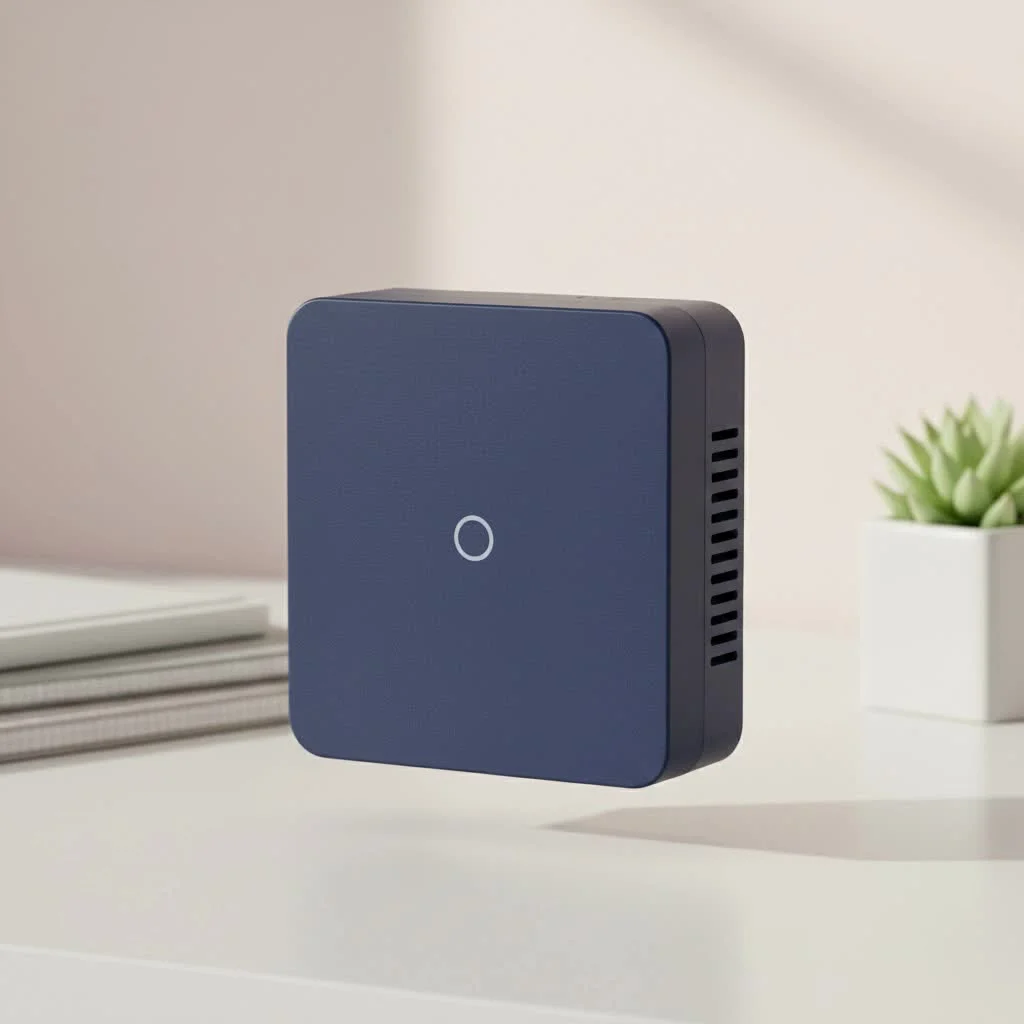
What is the TP-Link RE605X?
The TP-Link RE605X is a dual-band Wi-Fi 6 range extender. Its primary job is to capture the existing Wi-Fi signal from your router and rebroadcast it to cover areas with weak or no signal. What sets it apart is its use of Wi-Fi 6 (802.11ax) technology, which offers significant improvements in speed, capacity, and efficiency compared to older Wi-Fi standards. It’s designed to eliminate dead zones and provide a seamless, high-speed connection throughout your entire home.
Key Features and Benefits Explored
The RE605X is packed with technology designed to enhance your home network. Let’s dive into the features that truly make a difference.
Blazing-Fast Wi-Fi 6 Speeds
The headline feature is its AX1800 speed rating. This breaks down into:
- 1201 Mbps on the 5 GHz band: Ideal for 4K streaming, online gaming, and large file downloads.
- 574 Mbps on the 2.4 GHz band: Perfect for browsing, email, and connecting smart home devices.
This speed is made possible by core Wi-Fi 6 technologies like OFDMA, which allows your network to handle more devices simultaneously without a drop in performance. The result is a more efficient and less congested network, even in a device-heavy household.
OneMesh: Seamless Roaming
One of the biggest annoyances with older extenders was having to manually switch between your router’s network and the extender’s network. TP-Link’s OneMesh technology solves this elegantly. When paired with a OneMesh-compatible router, the TP-Link RE605X WiFi Extender creates a single, unified mesh network. You can walk from one end of your house to the other while on a video call, and your device will seamlessly switch to the strongest signal without any interruption.
More Than Just an Extender: Access Point Mode
Flexibility is a major strength of the RE605X. Thanks to its built-in Gigabit Ethernet port, you can switch it into Access Point (AP) mode. In this configuration, you connect the extender to your router via an Ethernet cable. The RE605X then creates a new, high-speed Wi-Fi 6 access point. This is the ideal setup for maximizing speed and reliability, as it eliminates the potential for signal loss that can occur when an extender connects to the router wirelessly.
As our Senior Network Engineer, David Chen, often says, “Using an extender in Access Point mode is the single best way to guarantee you’re getting maximum throughput. You’re giving the extender a perfect, wired signal to broadcast, which translates into a superior wireless experience for all your devices.”
Universal Compatibility
|
Our Picks for the Best Wifi Extender in 2026
As an Amazon Associate I earn from qualifying purchases.
|
||
| Num | Product | Action |
|---|---|---|
| 1 | WiFi Extender, WiFi Extenders Signal Booster for Home Up to 5000 sq.ft and 50 Devices, WiFi Range Extender, Wireless Repeater, Long Range Amplifier with Ethernet Port, 1-Tap Setup, Alexa Compatible |

|
| 2 | Amazon eero 6+ mesh wifi system with 1 month free eero Plus (auto-renews) - Coverage up to 4,500 sq. ft., Connect 75+ devices, 3-pack |
|
| 3 | TP-Link AX3000 WiFi 6 Range Extender - PCMag Editor\'s Choice - Dual-Band Wireless Repeater w/Ethernet Port - Up to 2400 Sq. Ft., 64 Devices - Internet Signal Booster - APP Setup - EasyMesh (RE715X) |
|
| 4 | Amazon eero 7 with 1 month free eero Plus (auto-renews) - Supports internet plans up to 2.5 Gbps, Coverage up to 2,000 sq. ft., Connect 120+ devices, 1-pack |
|
| 5 | 2025 WiFi Extenders Signal Booster for Home Long Range Up to 9800 sq. ft & 40 Devices, WiFi Extender Signal Booster, Quick Setup-Medium, Internet Repeater, WiFi Extender |
|
| 6 | TP-Link AC1900 WiFi Range Extender RE550 - Dual-Band Wireless Repeater Amplifier w/Gigabit Ethernet Port - Up to 2200 Sq. Ft., 32 Devices - Internet Signal Booster - APP Setup - EasyMesh Compatible |
|
| 7 | WiFi Extender with 4 Antennas 1200Mbps - Dual Band 5GHz/2.4GHz, WiFi Extender Signal Booster with 3 Modes Support, WiFi Repeater with 12880 Sq.ft 105 Devices, Easy Set Up for Home |
|
| 8 | TP-Link AC1200 WiFi Extender, 2023 Engadget Best Budget Pick, 1.2Gbps Signal Booster for Home, Dual Band 5GHz/2.4GHz, Covers Up to 1500 Sq.ft and 30 Devices,Support Onemesh, One Ethernet Port (RE315) |
|
| 9 | 2025 Fastest WiFi Extender, WiFi Repeater, WiFi Booster, Covers Up to 10000 Sq.ft and 80 Devices, Internet Booster - with Ethernet Port, Quick Setup, Home Wireless Signal Booster |
|
| 10 | Amazon eero 6 mesh wifi extender with 1-month free eero Plus (auto-renews) - Add up to 1,500 sq. ft. of Wi-Fi 6 coverage to your existing eero mesh wifi network |
|
You don’t need a TP-Link router to benefit from the RE605X. It’s designed to be universally compatible with any standard Wi-Fi router or gateway. While you need a TP-Link OneMesh router to take advantage of the seamless mesh features, it will still function perfectly as a traditional range extender with any other brand.
How to Set Up Your TP-Link RE605X: A Step-by-Step Guide
TP-Link has made the setup process incredibly straightforward, primarily through their intuitive Tether app.
- Plug It In: Find a power outlet halfway between your router and the Wi-Fi dead zone.
- Download the App: Get the TP-Link Tether app on your iOS or Android device.
- Follow On-Screen Instructions: Open the app and follow the prompts. It will guide you through connecting to the extender’s temporary network and then linking it to your main home Wi-Fi.
- Choose Your Networks: Select the 2.4 GHz and 5 GHz networks you wish to extend. You can give them the same name (SSID) as your main router for a more seamless experience.
- Find the Optimal Location: Once setup is complete, the extender has an Intelligent Signal Light. This LED indicator helps you find the perfect spot—blue means a good connection, while red means it’s too far from the router.
Alternatively, you can use the WPS button on your router and the extender for a quick, one-touch setup.
Performance in the Real World
In a typical multi-story home, the RE605X demonstrates a significant impact. In an area where the 5 GHz signal was previously unusable, the extender can deliver speeds capable of streaming 4K video without buffering. The connection remains stable, which is crucial for online gaming and video conferencing. While the absolute maximum speeds will depend on your router, internet plan, and home layout, the TP-Link RE605X WiFi Extender consistently provides a reliable and substantial boost to both coverage and speed.
Pros and Cons of the RE605X
No device is perfect. Here’s a balanced look at its strengths and weaknesses.
Pros:
- Excellent Wi-Fi 6 Performance: Delivers fast speeds and greater network capacity.
- Easy Setup: The Tether app makes installation a breeze for anyone.
- OneMesh Compatibility: Creates a seamless, unified network with compatible routers.
- Versatile Access Point Mode: The Gigabit Ethernet port adds valuable functionality.
- Intelligent Signal Light: Helps you find the best possible location for optimal performance.
Cons:
- Bulky Design: It’s a sizable unit and may block adjacent power outlets.
- Full Mesh Features Require a TP-Link Router: To get the most out of OneMesh, your router needs to support it.
Who Should Buy the TP-Link RE605X?
This Wi-Fi extender is an excellent choice for several types of users:
- Homeowners with Wi-Fi 6 Routers: If you’ve already invested in a Wi-Fi 6 router, the RE605X is the perfect companion to extend that next-gen performance.
- Gamers and Streamers: The high-speed 5 GHz band and stable connection reduce lag and buffering, providing a smoother experience.
- People in Large or Multi-Story Homes: It is specifically designed to eliminate dead zones in challenging layouts with thick walls or multiple floors.
- Anyone Planning a Future Upgrade: Even if you have an older Wi-Fi 5 router, the RE605X is a great future-proof investment that will work now and deliver even more when you upgrade your router later.
Frequently Asked Questions (FAQ)
Does the RE605X work with a Wi-Fi 5 router?
Yes, absolutely. The TP-Link RE605X WiFi Extender is backward compatible and will work perfectly with any 802.11ac (Wi-Fi 5) or older router. You just won’t get the full speed and efficiency benefits of Wi-Fi 6 until your router is also upgraded.
What is the difference between extender mode and access point mode?
In extender mode, the RE605X connects to your router wirelessly and rebroadcasts the signal. In access point mode, it connects to your router via an Ethernet cable and creates a new wireless network, which is generally faster and more reliable.
How do I find the best location for my extender?
Use the Intelligent Signal Light. Plug the extender in a location that is roughly halfway between your router and the dead zone. The light should be solid blue, indicating a strong connection to the router. If it’s red, move it closer.
Can I use two RE605X extenders?
Yes, you can use multiple extenders to cover a very large area. If you have a OneMesh router, they will all work together to form one large, seamless network.
How do I update the firmware?
You can easily check for and install firmware updates through the TP-Link Tether app. Keeping your firmware updated is important for security and performance.
The Final Verdict
The TP-Link RE605X WiFi Extender is a powerful, versatile, and user-friendly solution for anyone looking to eliminate Wi-Fi dead zones. Its Wi-Fi 6 capabilities make it a smart, future-proof investment that delivers tangible improvements in speed and reliability. Whether you’re setting up a seamless OneMesh network or simply need to boost a signal to a far corner of your house, the RE605X is one of the best extenders on the market. It successfully bridges the gap between performance and simplicity, making high-speed, whole-home Wi-Fi accessible to everyone.
Get our weekly buyer guide
Practical specs, not advice. Unsubscribe anytime.

Finally, a Wi-Fi extender that actually delivers! My old extender was constantly buffering, especially when multiple devices were connected. The RE605X handles the load effortlessly, and I’ve noticed a significant boost in speed and stability across all my devices. It’s a game-changer for anyone with a large home.
I was so tired of my Wi-Fi dropping in the back bedroom, it was a total dead zone. This TP-Link RE605X has completely solved that problem. Setup was a breeze, and now I get full bars even in the furthest corners of my house. The Wi-Fi 6 really makes a difference for streaming and gaming.
I bought the RE605X hoping to extend my signal to the patio, and while it did improve things, it’s not as strong as I’d hoped. The speed is definitely better than nothing, but it’s not quite the ‘fast and reliable’ connection I was expecting for outdoor use. Still, it’s better than no signal at all.
This extender is pretty solid. I got it mainly for the basement where my smart home devices were always struggling. The dual-band feature seems to handle everything well, and I haven’t had any dropouts since installing it. My only minor gripe is that the indicator lights are a bit bright at night.