Are you tired of frustrating WiFi dead zones in your home? It’s a common problem: you have a strong signal in the living room, but the connection drops the moment you step into the bedroom or head downstairs. If this sounds familiar, an AC750 WiFi range extender might be the simple, cost-effective solution you’ve been looking for. It’s designed to pick up your existing WiFi signal and rebroadcast it, extending your network’s reach to cover those hard-to-reach areas.
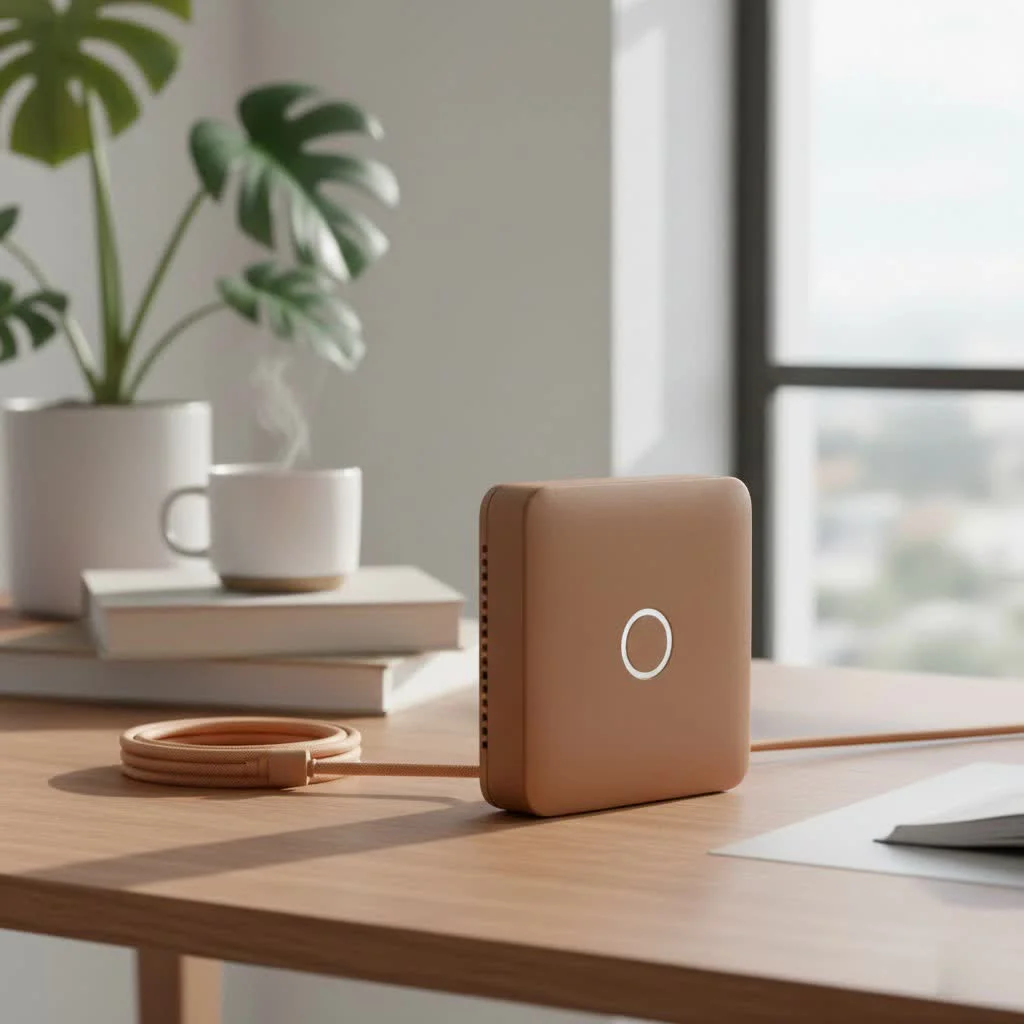
But what exactly is an AC750 extender, and is it the right choice for your home? As a network specialist with over 15 years of experience at TVCSP, I’ve helped countless people solve their connectivity issues. In this guide, we’ll break down everything you need to know, from the technical specs to a simple setup process.
What Does “AC750” Actually Mean?
The name “AC750” isn’t just marketing jargon; it tells you two key things about the device’s capabilities. Understanding this will help you determine if it fits your needs.
The “AC” Standard
The “AC” refers to the wireless standard 802.11ac, also known as WiFi 5. This standard is significantly faster and more reliable than its predecessor, 802.11n. The key advantage of the AC standard is its ability to operate on the 5GHz frequency band, which is typically less congested than the older 2.4GHz band. This means less interference from other devices like microwaves and cordless phones, resulting in a more stable connection for streaming and gaming.
The “750” Speed Rating
The number “750” represents the extender’s maximum theoretical speed in megabits per second (Mbps), split across its two bands:
- 2.4GHz Band: Offers speeds up to 300 Mbps. This band has a longer range but is more susceptible to interference. It’s perfect for general web browsing, checking emails, and social media.
- 5GHz Band: Offers speeds up to 433 Mbps (often rounded to 450). This band has a shorter range but provides faster, more stable speeds, ideal for HD video streaming, online gaming, and large file downloads.
By adding these two speeds together (300 + 433), manufacturers arrive at the “750” number. It’s important to remember that you won’t get a single 750 Mbps connection; your devices will connect to one band at a time.
How Does an AC750 WiFi Range Extender Work?
Think of a WiFi extender as a bridge. It captures the existing wireless signal from your main router and then rebroadcasts it on a new, extended network. This process effectively expands your WiFi coverage area, pushing the signal into previously unreachable corners of your home.
The setup is designed to be straightforward. You place the AC750 WiFi range extender about halfway between your router and the area with a weak signal. This placement is crucial; if it’s too far from the router, it won’t get a strong signal to extend. If it’s too close, it won’t effectively reach the dead zone.
“The most common mistake people make is placing the extender in the dead zone itself,” notes network expert David Chen. “An extender can’t boost a signal it can’t receive. The sweet spot is where the extender can still get a strong, stable signal from the main router.”
The Pros and Cons of Using an AC750 Extender
While an AC750 extender is a great tool, it’s essential to understand its advantages and limitations before you buy one.
Advantages:
|
Our Picks for the Best Wifi Extender in 2026
As an Amazon Associate I earn from qualifying purchases.
|
||
| Num | Product | Action |
|---|---|---|
| 1 | 2025 WiFi Extenders Signal Booster for Home Long Range Up to 9800 sq. ft & 40 Devices, WiFi Extender Signal Booster, Quick Setup-Medium, Internet Repeater, WiFi Extender |

|
| 2 | TP-Link AC1900 WiFi Range Extender RE550 - Dual-Band Wireless Repeater Amplifier w/Gigabit Ethernet Port - Up to 2200 Sq. Ft., 32 Devices - Internet Signal Booster - APP Setup - EasyMesh Compatible |
|
| 3 | WiFi Extender with 4 Antennas 1200Mbps - Dual Band 5GHz/2.4GHz, WiFi Extender Signal Booster with 3 Modes Support, WiFi Repeater with 12880 Sq.ft 105 Devices, Easy Set Up for Home |
|
| 4 | TP-Link AX3000 WiFi 6 Range Extender - PCMag Editor\'s Choice - Dual-Band Wireless Repeater w/Ethernet Port - Up to 2400 Sq. Ft., 64 Devices - Internet Signal Booster - APP Setup - EasyMesh (RE715X) |
|
| 5 | Amazon eero 7 with 1 month free eero Plus (auto-renews) - Supports internet plans up to 2.5 Gbps, Coverage up to 2,000 sq. ft., Connect 120+ devices, 1-pack |
|
| 6 | Amazon eero 6+ mesh wifi system with 1 month free eero Plus (auto-renews) - Coverage up to 4,500 sq. ft., Connect 75+ devices, 3-pack |
|
| 7 | WiFi Extender, WiFi Extenders Signal Booster for Home Up to 5000 sq.ft and 50 Devices, WiFi Range Extender, Wireless Repeater, Long Range Amplifier with Ethernet Port, 1-Tap Setup, Alexa Compatible |
|
| 8 | TP-Link AC1200 WiFi Extender, 2023 Engadget Best Budget Pick, 1.2Gbps Signal Booster for Home, Dual Band 5GHz/2.4GHz, Covers Up to 1500 Sq.ft and 30 Devices,Support Onemesh, One Ethernet Port (RE315) |
|
| 9 | 2025 Fastest WiFi Extender, WiFi Repeater, WiFi Booster, Covers Up to 10000 Sq.ft and 80 Devices, Internet Booster - with Ethernet Port, Quick Setup, Home Wireless Signal Booster |
|
| 10 | Amazon eero 6 mesh wifi extender with 1-month free eero Plus (auto-renews) - Add up to 1,500 sq. ft. of Wi-Fi 6 coverage to your existing eero mesh wifi network |
|
- Cost-Effective: They are one of the most affordable ways to eliminate WiFi dead zones.
- Easy to Install: Most models feature a simple plug-and-play design with WPS (Wi-Fi Protected Setup) for one-button setup.
- Universal Compatibility: They work with virtually any standard WiFi router.
- Dual-Band Flexibility: The ability to use both 2.4GHz and 5GHz bands allows you to dedicate different devices to different frequencies for better performance.
Disadvantages:
- Potential Speed Reduction: By design, most range extenders cut your available bandwidth in half. This is because the extender has to use the same radio to both receive the signal from the router and transmit it to your devices.
- Separate Network Name (SSID): Many extenders create a new network (e.g., “YourHomeWiFi_EXT”). You may need to manually switch between networks as you move around your house. Some newer models offer seamless roaming, but it’s not always standard.
- Limited for High-Demand Households: For homes with numerous devices, heavy 4K streaming, or competitive online gaming, an AC750 extender might be a bottleneck.
Step-by-Step Guide: How to Set Up Your AC750 WiFi Extender
Setting up your AC750 WiFi range extender is typically a quick and painless process. While the exact steps may vary by manufacturer, here is the general procedure.
- Plug It In: Find a power outlet located midway between your router and the WiFi dead zone. Wait for the power light to become solid.
- Connect to the Extender: On your computer or smartphone, look for a new WiFi network, often named after the extender’s brand (e.g., “TP-Link_Extender”). Connect to it.
- Open a Web Browser: Once connected, open a web browser. You should be automatically redirected to the extender’s setup page. If not, type the default IP address (like 192.168.0.1) or a web address (like tplinkrepeater.net) found in the user manual into the address bar.
- Create an Account: You’ll likely be prompted to create an admin password for security.
- Scan for Networks: The extender will scan for available WiFi networks. Select your home’s 2.4GHz and 5GHz networks from the list.
- Enter Your WiFi Password: Enter the password for your existing home WiFi network. This authorizes the extender to connect and repeat the signal.
- Configure the Extended Network: You can either copy the same network name (SSID) as your main router or create a new one (e.g., “HomeNetwork_EXT”). Creating a new one makes it easier to know which network you’re connected to.
- Finalize and Reposition: Once the settings are saved, the extender will reboot. Use the signal indicator light on the device to confirm it has a good connection to your router. If the light is red or amber, try moving it a bit closer.
Pro Tips for Optimizing Your Extender’s Performance
To get the most out of your AC750 WiFi range extender, follow these best practices:
- Update the Firmware: Manufacturers regularly release firmware updates that improve performance, add features, and patch security vulnerabilities. Check the admin settings periodically for new updates.
- Avoid Obstructions: Place the extender in an open area, away from thick concrete walls, metal objects, and appliances like microwaves that can interfere with the signal.
- Use the Right Band: Connect devices that require higher speeds, like smart TVs and game consoles, to the 5GHz band. Use the 2.4GHz band for less demanding devices like smart home gadgets and phones.
- Secure Your Network: Always use a strong, WPA2-encrypted password for your extended network to prevent unauthorized access.
Is an AC750 WiFi Extender Right for You?
An AC750 extender is an excellent choice for certain situations. It’s ideal for:
- Small to Medium-Sized Homes: Perfect for apartments or 2-3 bedroom houses with specific dead zones.
- Budget-Conscious Users: A great way to improve coverage without investing in an expensive new router or mesh system.
- Light to Moderate Internet Use: If your family primarily uses the internet for browsing, social media, and some HD streaming, an AC750 extender will likely meet your needs.
However, you might want to consider a more powerful solution, like an AC1200+ extender or a mesh WiFi system, if you have a large home, many connected devices, or rely on ultra-fast speeds for 4K streaming, competitive gaming, or working from home with large file transfers.
Frequently Asked Questions (FAQ)
Will an AC750 extender work with my router?
Yes, AC750 extenders are designed to be universally compatible with any standard WiFi router (802.11a/b/g/n/ac). You do not need an AC router to use an AC extender, but you’ll get the best performance when pairing them together.
Can a WiFi extender make my internet faster?
No, an extender does not increase your internet speed from your provider. It extends the coverage of your existing signal. While it can improve your connection speed in a dead zone (from zero to something), it will not make your overall internet plan faster.
What’s the difference between a WiFi extender and a mesh system?
A WiFi extender simply repeats a signal, often creating a separate network. A mesh WiFi system replaces your router entirely and uses multiple satellite “nodes” to create a single, seamless, intelligent network that covers your entire home without speed degradation or manual network switching.
How do I reset my AC750 extender?
Most extenders have a small, recessed reset button. To perform a factory reset, use a paperclip or pin to press and hold this button for about 10 seconds until the device’s lights flash, indicating it has been reset to its default settings.
Conclusion
For most households plagued by annoying WiFi dead zones, the AC750 WiFi range extender is a reliable and affordable workhorse. It provides a straightforward way to push your signal into every corner, ensuring you can stream, browse, and work from anywhere in your home. By understanding how it works and following proper setup and optimization tips, you can effectively eliminate dead spots and enjoy a more consistent wireless experience. If you’re looking for a simple fix without breaking the bank, this is the perfect place to start.
Get our weekly buyer guide
Practical specs, not advice. Unsubscribe anytime.
I got this to fix the weak signal in my bedroom, and it does help a bit. The setup process was simple enough, but I still get occasional buffering when I’m trying to watch HD videos. It’s better than nothing, but I was hoping for a perfectly stable connection.
My house has always had a problem with the signal not reaching the back patio, which is annoying when I’m trying to stream music outside. The AC750 extender really helped extend the network’s reach. It’s not quite as fast as being right next to the main router, but it’s a huge improvement for those hard-to-reach areas.
I was so tired of my WiFi dropping every time I went to my home office downstairs. This AC750 extender was a game-changer! Setup was super easy, just like it said, and now I have a strong signal everywhere. Definitely worth it for anyone dealing with dead zones.
Finally, no more frustrating WiFi dead zones! I used to lose connection constantly in my garage, but this AC750 extender completely solved the problem. The cost-effective solution mentioned was spot on, I didn’t have to spend a fortune to get full coverage. Highly recommend.