Are you tired of staring at a buffering screen in the back bedroom? Do you have to walk into the living room just to get a stable signal on your phone? You’re not alone. In our hyper-connected world, WiFi dead zones are a common and frustrating problem. While your router might be powerful, walls, distance, and interference can weaken its signal, leaving parts of your home in a digital drought. Fortunately, there’s a straightforward and affordable solution: a wifi router range extender. This guide will walk you through everything you need to know to eliminate those dead spots for good.
What is a WiFi Router Range Extender?
A WiFi router range extender, also known as a WiFi booster or repeater, is a device that captures the existing wireless signal from your main router and rebroadcasts it to cover areas where the signal is weak or non-existent. Think of it as a relay station for your internet. It doesn’t create a new internet connection but simply expands the reach of your current one, acting as a bridge between your router and the devices struggling to connect. For expert wifi extenders reviews on this site.
How Do WiFi Extenders Actually Work?
The magic behind a wifi router range extender is surprisingly simple. The device has two main jobs:
- Receive: It connects to your existing WiFi network and “listens” for the signal coming from your primary router.
- Transmit: It then broadcasts that signal on a new, amplified channel, creating a secondary network that reaches farther than the original.
For this to work effectively, the extender must be placed in a location where it can still receive a strong, stable signal from the main router. Placing it in the middle of a dead zone won’t help, as there’s no signal for it to extend. Most modern extenders use dual-band technology, operating on both the 2.4GHz and 5GHz frequencies. This helps reduce network congestion, as the extender can use one band to communicate with the router and the other to talk to your devices, minimizing the speed loss that was common with older, single-band models.
The Different Types of WiFi Extenders
WiFi extenders aren’t a one-size-fits-all solution. They come in a few different forms, each suited for different needs and spaces.
Plug-In Extenders
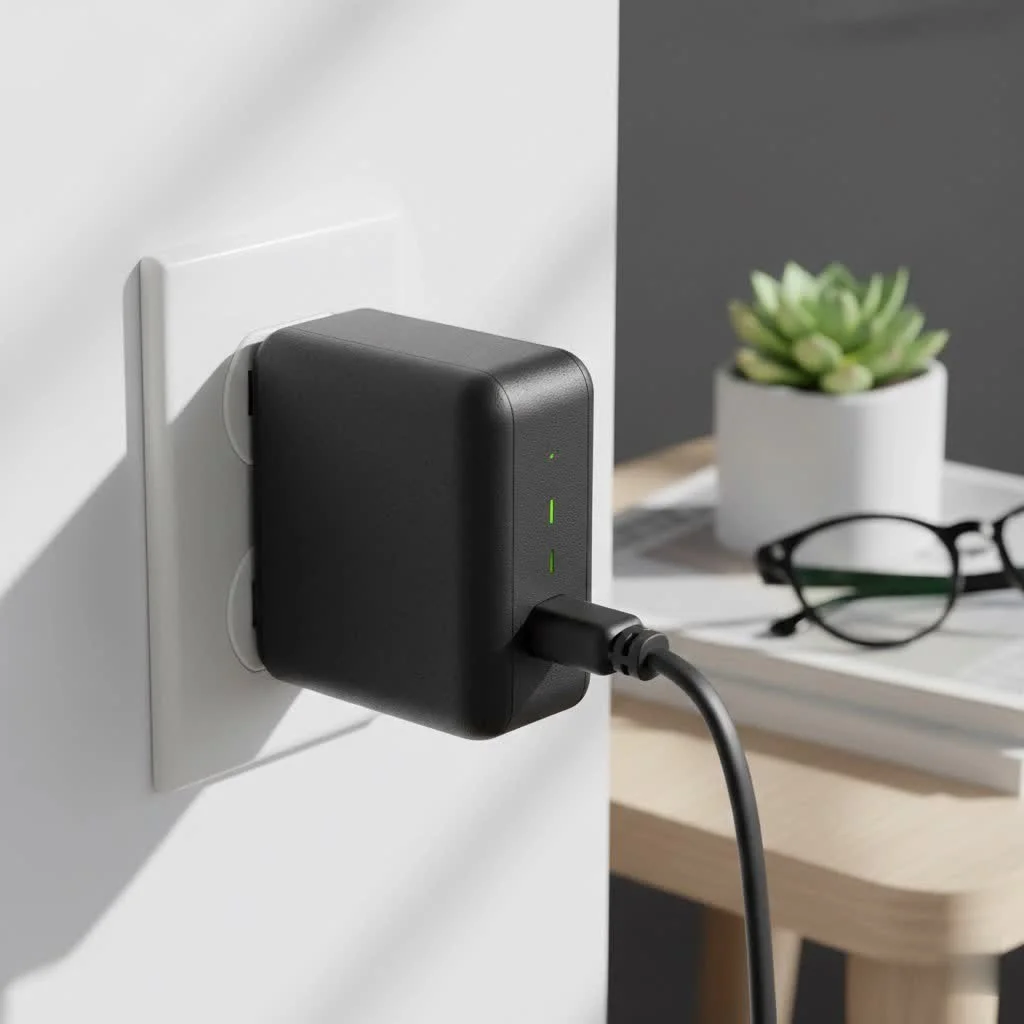
These are the most common and user-friendly type. As the name suggests, they plug directly into a wall outlet.
- Pros: Compact, discreet, and incredibly easy to install. They are perfect for apartments and small to medium-sized homes.
- Cons: Their smaller size can mean less power and fewer features, like extra Ethernet ports.
Desktop Extenders
|
Our Picks for the Best Wifi Extender in 2026
As an Amazon Associate I earn from qualifying purchases.
|
||
| Num | Product | Action |
|---|---|---|
| 1 | 2025 Fastest WiFi Extender, WiFi Repeater, WiFi Booster, Covers Up to 10000 Sq.ft and 80 Devices, Internet Booster - with Ethernet Port, Quick Setup, Home Wireless Signal Booster |

|
| 2 | 2025 WiFi Extenders Signal Booster for Home Long Range Up to 9800 sq. ft & 40 Devices, WiFi Extender Signal Booster, Quick Setup-Medium, Internet Repeater, WiFi Extender |
|
| 3 | Amazon eero 6+ mesh wifi system with 1 month free eero Plus (auto-renews) - Coverage up to 4,500 sq. ft., Connect 75+ devices, 3-pack |
|
| 4 | WiFi Extender, WiFi Extenders Signal Booster for Home Up to 5000 sq.ft and 50 Devices, WiFi Range Extender, Wireless Repeater, Long Range Amplifier with Ethernet Port, 1-Tap Setup, Alexa Compatible |
|
| 5 | Amazon eero 6 mesh wifi extender with 1-month free eero Plus (auto-renews) - Add up to 1,500 sq. ft. of Wi-Fi 6 coverage to your existing eero mesh wifi network |
|
| 6 | TP-Link AX3000 WiFi 6 Range Extender - PCMag Editor\'s Choice - Dual-Band Wireless Repeater w/Ethernet Port - Up to 2400 Sq. Ft., 64 Devices - Internet Signal Booster - APP Setup - EasyMesh (RE715X) |
|
| 7 | Amazon eero 7 with 1 month free eero Plus (auto-renews) - Supports internet plans up to 2.5 Gbps, Coverage up to 2,000 sq. ft., Connect 120+ devices, 1-pack |
|
| 8 | WiFi Extender with 4 Antennas 1200Mbps - Dual Band 5GHz/2.4GHz, WiFi Extender Signal Booster with 3 Modes Support, WiFi Repeater with 12880 Sq.ft 105 Devices, Easy Set Up for Home |
|
| 9 | TP-Link AC1900 WiFi Range Extender RE550 - Dual-Band Wireless Repeater Amplifier w/Gigabit Ethernet Port - Up to 2200 Sq. Ft., 32 Devices - Internet Signal Booster - APP Setup - EasyMesh Compatible |
|
| 10 | TP-Link AC1200 WiFi Extender, 2023 Engadget Best Budget Pick, 1.2Gbps Signal Booster for Home, Dual Band 5GHz/2.4GHz, Covers Up to 1500 Sq.ft and 30 Devices,Support Onemesh, One Ethernet Port (RE315) |
|
Desktop extenders look like small routers and offer more power and features.
- Pros: They typically have more powerful antennas for better range, multiple Ethernet ports for wired connections (ideal for gaming consoles or PCs), and superior performance.
- Cons: They are larger, require a shelf or desk space, and are generally more expensive.
Pros and Cons of Using a WiFi Range Extender
Before you buy, it’s helpful to weigh the benefits and drawbacks.
Advantages:
- Cost-Effective: They are significantly cheaper than installing a whole-home mesh system.
- Eliminate Dead Zones: Their primary job is to bring WiFi to those hard-to-reach corners.
- Simple to Install: Most models can be set up in minutes, often with a simple push of a WPS button.
- Universal Compatibility: They work with almost any standard WiFi router.
Disadvantages:
- Potential for Reduced Speed: Because the extender has to receive and then rebroadcast a signal, there is an inherent loss of speed. However, modern dual-band extenders minimize this.
- Separate Network Name: Many extenders create a new network (e.g., “MyHomeWiFi_EXT”). This means you may have to manually switch between networks as you move through your house. Some newer models can mimic your existing network name for a more seamless experience.
Step-by-Step: How to Set Up Your WiFi Router Range Extender
Setting up a wifi router range extender is usually a pain-free process. Here’s a general guide:
- Find the Right Spot: Plug the extender into an outlet that is roughly halfway between your main router and the area you want to cover. It needs to be within a good signal range of the router.
- Power It Up: Wait for the power light to become solid.
- Connect to the Extender: On your computer or phone, connect to the WiFi network created by the extender (the name will be in the manual).
- Use the WPS Method: The easiest way is to press the WPS button on your main router, and then within two minutes, press the WPS button on your extender. They should connect automatically.
- Use a Web Browser: If WPS doesn’t work, open a web browser. You should be directed to the extender’s setup page. Follow the on-screen instructions to select your home network and enter your password.
- Configure and Test: Once connected, you can configure the extender’s network name and password. After it reboots, move your devices to the dead zone and test the connection. Most extenders have signal strength indicator lights to help you confirm you’ve found the best location.
Tips for Optimizing Extender Performance
To get the most out of your wifi router range extender, follow these best practices:
- Placement is Everything: The “halfway” rule is crucial. Don’t place it too far from the router. Use your phone’s WiFi indicator to find a spot with at least two or three bars of signal from the main router.
- Avoid Obstructions: Keep the extender away from thick concrete walls, metal objects, and appliances like microwaves that can interfere with the signal.
- Update Firmware: Just like your router, extenders receive firmware updates from the manufacturer to improve performance and security. Check the manufacturer’s website periodically.
- Use a Wired Connection: If your extender has an Ethernet port, use it for stationary devices like a smart TV or gaming console. This will provide a more stable and faster connection.
“Many people make the mistake of placing their extender in the room with the weakest signal,” notes David Chen, a network engineer with over 15 years of experience. “You’re asking it to boost a signal that’s barely there. The key is to place it where the signal is still reasonably strong, allowing it to create a powerful bridge to the dead zone.”
Common Problems and How to Troubleshoot Them
Even with a simple setup, you might run into issues. Here’s how to fix them:
- Problem: The extender won’t connect to the router.
- Solution: Move the extender closer to the router during the initial setup process. Ensure you are entering the correct WiFi password. You can also try a factory reset on the extender and start over.
- Problem: The connection is slow or unstable.
- Solution: The extender might be too far from the router or there could be interference. Try moving it to a different outlet. Also, check the manufacturer’s app or web interface to see if you can switch the WiFi channel to one with less congestion.
- Problem: My devices don’t automatically switch to the extender’s network.
- Solution: This is normal for extenders that create a new network name. You’ll have to switch manually. For a more seamless experience, look for a “mesh-ready” extender that can share the same network name as your router.
Frequently Asked Questions (FAQ)
What’s the difference between a WiFi extender and a mesh system?
A WiFi extender is a single device that repeats your router’s signal, which is ideal for targeting specific dead zones. A mesh WiFi system is a set of multiple “nodes” that replace your router entirely and work together to blanket your entire home in a single, seamless network. Mesh systems are more expensive but provide better overall coverage and performance in larger homes.
Will a WiFi extender work with any router?
Yes, nearly all modern WiFi extenders are designed to be universally compatible with any standard WiFi router, regardless of the brand or your internet service provider.
Can a WiFi extender actually increase my internet speed?
No. A wifi router range extender cannot increase the speed you get from your internet plan. Its purpose is to extend the coverage of your network, delivering a better signal to areas where it was previously weak or non-existent. In those areas, your effective speed will be much better, but it will never be faster than the speed at your main router.
How many WiFi extenders can I use at once?
While you can technically use more than one, it’s generally not recommended to “daisy-chain” them (plugging one extender into the signal of another). This will dramatically reduce your speed. If you need to cover multiple, disparate areas, it’s better to connect each extender directly to the main router’s signal or consider upgrading to a mesh system.
Conclusion
A wifi router range extender is an excellent and budget-friendly tool for anyone battling WiFi dead zones. It’s a simple solution to a common problem, allowing you to enjoy a stable and reliable internet connection in every corner of your home, from the basement office to the backyard patio. By understanding how they work, choosing the right type for your space, and placing it in the optimal location, you can finally say goodbye to buffering and hello to seamless connectivity. Take a few minutes to assess your home’s dead spots and get ready to extend the power of your WiFi network.
Get our weekly buyer guide
Practical specs, not advice. Unsubscribe anytime.