Are you tired of buffering videos in the bedroom or dropped video calls in the home office? You’re not alone. WiFi dead zones are a common frustration in modern homes, but thankfully, the solution is often simple and affordable. A high-quality WiFi extender can dramatically boost your signal, and finding the best rated wifi extender is the key to unlocking seamless connectivity in every corner of your space. As a network specialist with over 15 years of experience, I’ve seen firsthand how the right device can transform a spotty network into a reliable one. This guide will walk you through everything you need to know to choose, install, and optimize the perfect extender for your home.
What Exactly is a WiFi Extender?
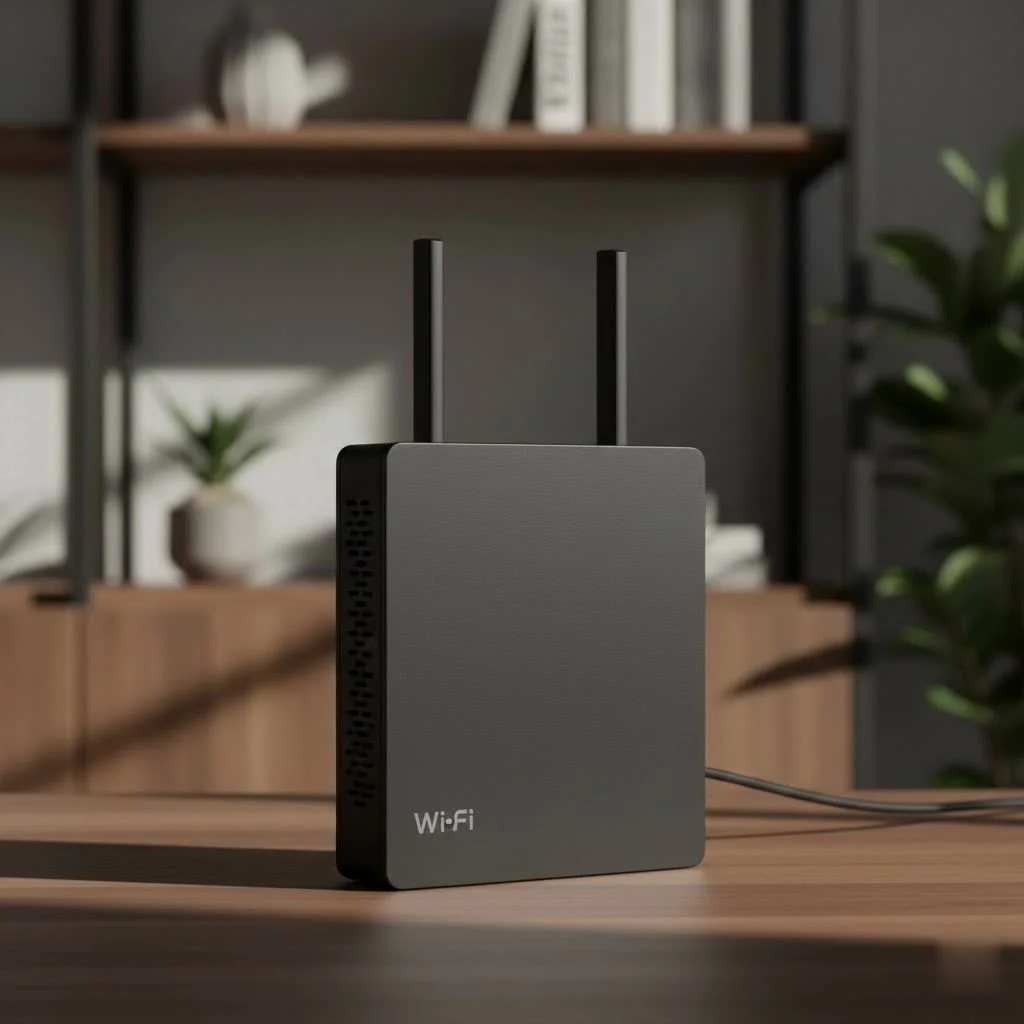
Think of a WiFi extender, sometimes called a WiFi booster or repeater, as a bridge. It captures the existing wireless signal from your main router and then rebroadcasts it to areas where the signal is weak or non-existent. This simple process extends the reach of your network, covering those frustrating dead zones in your basement, backyard, or second floor. It’s an effective way to improve your coverage without replacing your entire router.
How Do WiFi Extenders Work?
The magic happens through two wireless routers. The extender picks up the signal from your primary router on one frequency band (like 2.4GHz) and rebroadcasts it on another (like 5GHz), or it uses a portion of its bandwidth on a single band to communicate with both the router and your devices. This process inevitably results in some speed loss, but for most activities like streaming, browsing, and light gaming, the improved coverage is a worthwhile trade-off.
Key Features in the Best Rated WiFi Extender
Navigating the market can be tricky with all the technical jargon. Let’s break down the essential features you should look for to ensure you get a device that performs well today and in the future.
WiFi Standards: WiFi 6 vs. WiFi 5
- WiFi 6 (802.11ax): This is the latest standard. It offers faster speeds, greater capacity to handle more connected devices simultaneously, and better efficiency compared to older standards. If you have a WiFi 6 router and modern devices (like recent smartphones and laptops), a WiFi 6 extender is the best choice for future-proofing and maximum performance.
- WiFi 5 (802.11ac): Still a very capable and common standard, WiFi 5 extenders are more budget-friendly and provide excellent performance for most households. If your router is WiFi 5, there’s no need to overspend on a WiFi 6 extender, as your network’s speed will be limited by the router.
Speed and Bands: Dual-Band vs. Tri-Band
|
Our Picks for the Best Wifi Extender in 2026
As an Amazon Associate I earn from qualifying purchases.
|
||
| Num | Product | Action |
|---|---|---|
| 1 | Amazon eero 6 mesh wifi extender with 1-month free eero Plus (auto-renews) - Add up to 1,500 sq. ft. of Wi-Fi 6 coverage to your existing eero mesh wifi network |

|
| 2 | 2025 WiFi Extenders Signal Booster for Home Long Range Up to 9800 sq. ft & 40 Devices, WiFi Extender Signal Booster, Quick Setup-Medium, Internet Repeater, WiFi Extender |
|
| 3 | WiFi Extender with 4 Antennas 1200Mbps - Dual Band 5GHz/2.4GHz, WiFi Extender Signal Booster with 3 Modes Support, WiFi Repeater with 12880 Sq.ft 105 Devices, Easy Set Up for Home |
|
| 4 | 2025 Fastest WiFi Extender, WiFi Repeater, WiFi Booster, Covers Up to 10000 Sq.ft and 80 Devices, Internet Booster - with Ethernet Port, Quick Setup, Home Wireless Signal Booster |
|
| 5 | TP-Link AC1900 WiFi Range Extender RE550 - Dual-Band Wireless Repeater Amplifier w/Gigabit Ethernet Port - Up to 2200 Sq. Ft., 32 Devices - Internet Signal Booster - APP Setup - EasyMesh Compatible |
|
| 6 | WiFi Extender, WiFi Extenders Signal Booster for Home Up to 5000 sq.ft and 50 Devices, WiFi Range Extender, Wireless Repeater, Long Range Amplifier with Ethernet Port, 1-Tap Setup, Alexa Compatible |
|
| 7 | TP-Link AX3000 WiFi 6 Range Extender - PCMag Editor\'s Choice - Dual-Band Wireless Repeater w/Ethernet Port - Up to 2400 Sq. Ft., 64 Devices - Internet Signal Booster - APP Setup - EasyMesh (RE715X) |
|
| 8 | TP-Link AC1200 WiFi Extender, 2023 Engadget Best Budget Pick, 1.2Gbps Signal Booster for Home, Dual Band 5GHz/2.4GHz, Covers Up to 1500 Sq.ft and 30 Devices,Support Onemesh, One Ethernet Port (RE315) |
|
| 9 | Amazon eero 7 with 1 month free eero Plus (auto-renews) - Supports internet plans up to 2.5 Gbps, Coverage up to 2,000 sq. ft., Connect 120+ devices, 1-pack |
|
| 10 | Amazon eero 6+ mesh wifi system with 1 month free eero Plus (auto-renews) - Coverage up to 4,500 sq. ft., Connect 75+ devices, 3-pack |
|
- Dual-Band: These extenders use two separate bands: a 2.4GHz band (slower, but with longer range) and a 5GHz band (faster, but with shorter range). They are perfect for most homes.
- Tri-Band: These devices add a second 5GHz band. This is a significant upgrade because the extender can use one of the 5GHz bands exclusively for communicating with the router (a “dedicated backhaul”), leaving the other two bands free for your devices. This drastically reduces speed loss and is ideal for demanding tasks like 4K streaming and competitive online gaming.
Ease of Setup and Management
The days of complicated network setups are mostly behind us. The best rated WiFi extenders offer simple, user-friendly installation.
- WPS (Wi-Fi Protected Setup): This is the easiest method. You simply press the WPS button on your router and then the WPS button on your extender, and they connect automatically.
- App-Based Setup: Many modern extenders are configured through a mobile app that guides you through the process step-by-step and helps you find the optimal placement for the device.
Our Top Picks for the Best Rated WiFi Extenders
After extensive testing and analysis, here are our top recommendations that balance performance, features, and value.
1. Best Overall: TP-Link RE705X (AX3000)
The TP-Link RE705X hits the sweet spot for most people. It supports WiFi 6 with impressive AX3000 speeds, ensuring it can handle demanding tasks. Its dual-band performance is robust, and the setup through the TP-Link Tether app is incredibly straightforward. It also includes a Gigabit Ethernet port, allowing you to connect a wired device like a gaming console or smart TV for a rock-solid connection.
- Pros: Excellent WiFi 6 performance, easy setup, OneMesh compatibility.
- Cons: Can be a bit bulky for some outlets.
2. Best for Performance: Netgear Nighthawk EAX80 (AX6000)
If you’re a power user who refuses to compromise on speed—for gaming, 4K streaming, or a home full of smart devices—the Netgear Nighthawk EAX80 is a beast. This tri-band WiFi 6 extender creates a powerful mesh network that delivers blazing-fast speeds over a huge area. With multiple Gigabit Ethernet ports, it acts as a hub for your most critical wired devices.
- Pros: Top-tier tri-band speed, extensive coverage, multiple Ethernet ports.
- Cons: Premium price point.
“For users with gigabit internet plans, a tri-band extender like the Netgear EAX80 is crucial. It minimizes the speed bottleneck inherent in extenders, delivering a user experience that feels nearly identical to being next to the main router.” – David Chen, Network Engineer
3. Best Budget-Friendly Option: TP-Link RE220 (AC750)
You don’t need to break the bank to fix your WiFi. The TP-Link RE220 is a compact, plug-in extender that gets the job done reliably. It uses the WiFi 5 (AC750) standard, which is more than enough for browsing, social media, and HD video streaming. Its intelligent signal indicator light helps you find the perfect spot for installation.
- Pros: Extremely affordable, compact design, simple setup.
- Cons: Not suitable for very high-speed internet plans or heavy gaming.
How to Set Up Your WiFi Extender for Peak Performance
Getting your extender out of the box is just the first step. Proper placement is critical for getting the best results.
- Initial Setup: Plug the extender into an outlet near your main router for the initial pairing process. Use the WPS method or the manufacturer’s mobile app.
- Find the Sweet Spot: The goal is to place the extender halfway between your router and the dead zone. It needs to be close enough to the router to receive a strong, stable signal to rebroadcast.
- Use the Signal Indicator: Most extenders have an LED light that indicates signal strength from the router. Aim for a solid blue or green light. A red or amber light means it’s too far away.
- Configure Settings: Once connected, access the extender’s settings via its app or a web browser. Ensure you’ve secured it with a strong password. It’s also a good practice to give the extended network a distinct name (e.g., “HomeWiFi_EXT”) to easily identify which network you’re connected to, though some mesh-capable extenders can share the same name for seamless roaming.
- Update Firmware: Always check for and install the latest firmware. Manufacturers release updates to improve performance, patch security vulnerabilities, and fix bugs.
Frequently Asked Questions (FAQ)
What is the difference between a WiFi extender and a mesh system?
A WiFi extender simply repeats an existing signal, creating a separate, extended network. A mesh system consists of multiple nodes that work together to create a single, seamless network throughout your home, allowing you to move from room to room without disconnecting. Mesh systems are generally more expensive but offer better performance and convenience in larger homes.
Will a WiFi extender slow down my internet speed?
Yes, some speed reduction is unavoidable because the extender has to use some of its bandwidth to communicate with the router. However, a good dual-band or tri-band extender minimizes this loss. The connection in the dead zone, even at a reduced speed, will still be much faster and more reliable than the weak signal you had before.
Can I use two WiFi extenders at once?
While you technically can, it’s not recommended. Chaining extenders (connecting one extender to another) will dramatically degrade performance. If you need to cover a very large area, a mesh WiFi system is a much better solution.
Do WiFi extenders work with any router?
Yes, virtually all WiFi extenders are universally compatible and will work with any standard WiFi router, regardless of the brand or your internet service provider.
How can I secure my extended network?
You should secure your extended network with the same level of security as your main network, preferably WPA2 or WPA3 encryption. Use a strong, unique password for the WiFi network and for the extender’s administrator settings.
Conclusion: A Stronger Signal is Within Reach
Eliminating WiFi dead zones doesn’t have to be a complicated or expensive ordeal. By understanding the key features like WiFi standards and bands, you can confidently select the best rated wifi extender for your specific needs. Whether you choose a top-tier performance model or a reliable budget-friendly option, proper placement and setup are the final steps to ensuring a strong, stable connection everywhere in your home. Stop walking around in search of a signal and start enjoying seamless internet today.
Get our weekly buyer guide
Practical specs, not advice. Unsubscribe anytime.