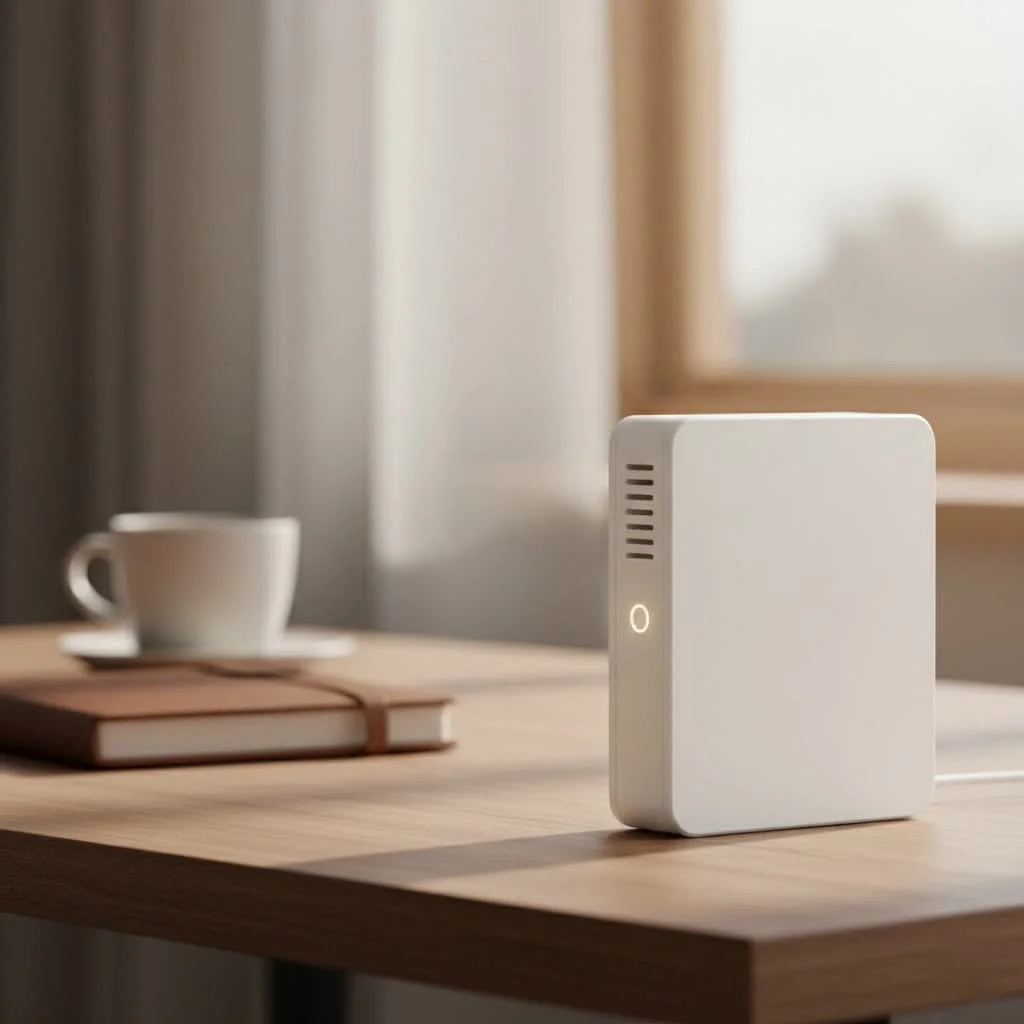
A high range WiFi extender significantly boosts your home’s wireless coverage, eliminating dead zones by amplifying your existing signal and rebroadcasting it to hard-to-reach areas. These devices are ideal for large multi-story homes, properties with detached garages, or extending coverage to outdoor spaces like yards and patios, providing seamless connectivity across an additional 1,500 to 2,500 square feet.
What is a High Range WiFi Extender?
Think of a standard WiFi extender as a simple megaphone for your Wi-Fi signal. A high range WiFi extender is more like a professional broadcast tower. It’s a more powerful version of a standard extender, equipped with superior hardware and technology to push your network’s boundaries significantly further. These devices are engineered not just for distance but also for penetration, helping the signal punch through thick walls, floors, and other physical obstructions that typically kill a wireless connection. They are the ideal solution for large multi-story homes, properties with detached garages or workshops, and even for extending coverage out into your yard or patio. For expert wifi extenders reviews on this site.
How Do These Powerful Extenders Work?
The core principle is simple yet effective. A high range WiFi extender operates in two key stages:
- Receiving the Signal: You place the extender at a location where it can still receive a strong, stable signal from your main router. It connects to your existing network just like any other device, such as your laptop or smartphone.
- Amplifying and Rebroadcasting: The extender then takes that signal, uses its powerful internal amplifiers and antennas to boost it, and broadcasts this newly strengthened signal on a new channel. This creates a secondary bubble of coverage that extends far beyond your router’s original reach.
As our lead network engineer, David Chen, often explains:
“The most common mistake people make is placing their extender in the dead zone itself. You have to place it in a location that acts as a strong middle-ground—far enough from the router to expand coverage, but close enough to receive a solid signal to amplify. It’s a relay race, and your extender needs a good, clean baton pass.”
Key Features in a Top-Tier High Range WiFi Extender
When you’re shopping for a device to solve your range issues, not all extenders are created equal. The “high range” label depends on specific technical features. Here’s what you should look for.
The Latest WiFi Standards: WiFi 6 and WiFi 6E
- WiFi 6 (802.11ax): This is a critical feature. Compared to older standards, WiFi 6 is not just about faster top speeds; it’s about efficiency. It handles network congestion much better, allowing more devices to connect simultaneously without slowing each other down. This is crucial for a modern smart home.
- WiFi 6E: This is the next step, offering access to the exclusive 6 GHz band. This band is less crowded, meaning significantly less interference from your neighbors’ networks and other household devices, resulting in a more stable and faster connection.
Antenna Design and Power
|
Our Picks for the Best Wifi Extender in 2026
As an Amazon Associate I earn from qualifying purchases.
|
||
| Num | Product | Action |
|---|---|---|
| 1 | TP-Link AC1900 WiFi Range Extender RE550 - Dual-Band Wireless Repeater Amplifier w/Gigabit Ethernet Port - Up to 2200 Sq. Ft., 32 Devices - Internet Signal Booster - APP Setup - EasyMesh Compatible |

|
| 2 | TP-Link AC1200 WiFi Extender, 2023 Engadget Best Budget Pick, 1.2Gbps Signal Booster for Home, Dual Band 5GHz/2.4GHz, Covers Up to 1500 Sq.ft and 30 Devices,Support Onemesh, One Ethernet Port (RE315) |
|
| 3 | 2025 WiFi Extenders Signal Booster for Home Long Range Up to 9800 sq. ft & 40 Devices, WiFi Extender Signal Booster, Quick Setup-Medium, Internet Repeater, WiFi Extender |
|
| 4 | Amazon eero 6+ mesh wifi system with 1 month free eero Plus (auto-renews) - Coverage up to 4,500 sq. ft., Connect 75+ devices, 3-pack |
|
| 5 | Amazon eero 7 with 1 month free eero Plus (auto-renews) - Supports internet plans up to 2.5 Gbps, Coverage up to 2,000 sq. ft., Connect 120+ devices, 1-pack |
|
| 6 | TP-Link AX3000 WiFi 6 Range Extender - PCMag Editor\'s Choice - Dual-Band Wireless Repeater w/Ethernet Port - Up to 2400 Sq. Ft., 64 Devices - Internet Signal Booster - APP Setup - EasyMesh (RE715X) |
|
| 7 | WiFi Extender, WiFi Extenders Signal Booster for Home Up to 5000 sq.ft and 50 Devices, WiFi Range Extender, Wireless Repeater, Long Range Amplifier with Ethernet Port, 1-Tap Setup, Alexa Compatible |
|
| 8 | WiFi Extender with 4 Antennas 1200Mbps - Dual Band 5GHz/2.4GHz, WiFi Extender Signal Booster with 3 Modes Support, WiFi Repeater with 12880 Sq.ft 105 Devices, Easy Set Up for Home |
|
| 9 | 2025 Fastest WiFi Extender, WiFi Repeater, WiFi Booster, Covers Up to 10000 Sq.ft and 80 Devices, Internet Booster - with Ethernet Port, Quick Setup, Home Wireless Signal Booster |
|
| 10 | Amazon eero 6 mesh wifi extender with 1-month free eero Plus (auto-renews) - Add up to 1,500 sq. ft. of Wi-Fi 6 coverage to your existing eero mesh wifi network |
|
The physical heart of a high range extender is its antenna array. You’ll generally find two types:
- Internal Antennas: Sleek and integrated into the device’s housing.
- External Antennas: Often adjustable, allowing you to physically direct the signal for optimal coverage. High-gain external antennas are typically superior for maximizing range and pushing through obstacles.
Dual-Band vs. Tri-Band Technology
- Dual-Band: A dual-band extender operates on both the 2.4 GHz (slower, longer range) and 5 GHz (faster, shorter range) frequency bands. It uses these bands to both communicate with your router and broadcast its new signal, which can sometimes split the bandwidth.
- Tri-Band: This is the premium choice for performance. A tri-band extender adds a second 5 GHz or a 6 GHz band. It dedicates one of these bands exclusively for communication with the router (this is called a “dedicated backhaul”). This frees up the other bands to deliver maximum speed to your connected devices, preventing a significant drop in performance.
Step-by-Step: Setting Up for Maximum Reach
Unboxing your high range WiFi extender is exciting, but proper placement is the difference between a minor boost and a total transformation of your home network.
- Initial Syncing: For the first-time setup, plug the extender into a power outlet in the same room as your router. This makes the initial connection process easier.
- Connect and Configure: Use the manufacturer’s app (most common method now) or a web browser to connect the extender to your main WiFi network. You will need to select your home network’s name (SSID) and enter its password.
- Find the Sweet Spot: This is the most important step. Unplug the extender and move it to a location that is roughly halfway between your router and the center of the WiFi dead zone.
- Check the Indicator Light: All extenders have a status LED. You are looking for a light that indicates a “Good” or “Excellent” connection to the router. If it’s weak or red, you need to move the extender closer to the router.
- Test Your Connection: Once you’ve found the optimal spot, connect a device (like your phone) to the extender’s new network and run a speed test. Test it again in the former dead zone to see the improvement.
High Range WiFi Extender vs. Mesh WiFi Systems
A common question is whether to get an extender or a whole new mesh WiFi system. Both aim to improve coverage, but they do it differently. A mesh system replaces your router entirely with multiple “nodes” that work together seamlessly under a single network name.
Here’s a simple comparison to help you decide:
| Feature | High Range WiFi Extender | Mesh WiFi System |
|---|---|---|
| Best For | Targeting 1-2 specific dead zones in a small to large home. | Providing seamless, whole-home coverage in very large or complex layouts. |
| Cost | More affordable, a single purchase. | More expensive, usually sold in packs of 2 or 3 nodes. |
| Setup | Simple and quick, often plug-and-play. | More involved, as it replaces your existing router. |
| Network Name | Usually creates a new network name (e.g., “HomeWiFi_EXT”). | Uses a single network name for the entire house, allowing seamless roaming. |
| Performance | Can sometimes cut speeds in half, unless it’s a Tri-band model. | Generally provides better performance and speed consistency throughout the home. |
Verdict: If you have a decent router and just need to boost the signal to a specific area like a basement, office, or patio, a high range WiFi extender is a cost-effective and excellent choice. If your entire house suffers from inconsistent coverage and you want the simplest user experience, a mesh system is worth the investment.
Frequently Asked Questions (FAQ)
How far can a high range WiFi extender reach?
This varies greatly depending on the model and environment, but premium models can extend coverage by an additional 1,500 to 2,500 square feet. Physical obstacles like brick walls, metal appliances, and mirrors will reduce this range.
Will a WiFi extender slow down my internet speed?
A basic extender can reduce your speed because it has to receive and transmit data using the same radio. However, a high-quality tri-band model with a dedicated backhaul channel minimizes this speed loss, delivering a much faster connection.
Can I use two WiFi extenders at once?
Yes, but it’s not always recommended. Chaining extenders (connecting one extender to another) will significantly degrade performance. If you need to cover multiple large areas, a mesh WiFi system is a much better solution.
Do I need to get an extender from the same brand as my router?
No, nearly all WiFi extenders are universally compatible and will work with any standard router, regardless of the brand.
What is the difference between a WiFi extender, booster, and repeater?
These terms are often used interchangeably by marketers. All three refer to the same type of device: one that takes an existing WiFi signal and rebroadcasts it to increase coverage.
Conclusion: Reclaim Your Connection
Living with WiFi dead zones doesn’t have to be your reality. A high range WiFi extender is a powerful and targeted tool that can breathe new life into your home network, pushing a strong, reliable signal to every corner of your property. By choosing a model with modern features like WiFi 6 and tri-band technology, and by taking a few minutes to find the optimal placement, you can eliminate buffering, dropped video calls, and frustratingly slow downloads for good. Take back control of your digital life and enjoy seamless connectivity, wherever you are in your home.
Frequently Asked Questions
How far can a high range WiFi extender reach?
Premium high range WiFi extenders can extend coverage by an additional 1,500 to 2,500 square feet. However, physical obstacles such as brick walls, metal appliances, and mirrors can significantly reduce this effective range.
Will a WiFi extender slow down my internet speed?
A basic extender can reduce internet speed because it uses the same radio to receive and transmit data. However, a high-quality tri-band model with a dedicated backhaul channel minimizes this speed loss, often delivering a much faster and more stable connection to connected devices.
Can I use two WiFi extenders at once in my home?
While technically possible, chaining extenders (connecting one extender to another) is generally not recommended as it significantly degrades performance and speed. For covering multiple large areas, a mesh WiFi system is a much more effective and seamless solution.
Do I need to buy an extender from the same brand as my router?
No, it is not necessary to match brands. Nearly all WiFi extenders are universally compatible and designed to work with any standard router, regardless of its manufacturer.
What is the difference between a WiFi extender, booster, and repeater?
These terms are often used interchangeably by marketers and refer to the same type of device. All three devices function by taking an existing WiFi signal and rebroadcasting it to increase the overall coverage area of a wireless network.
Get our weekly buyer guide
Practical specs, not advice. Unsubscribe anytime.
I live in a big old house with really thick walls, and I’ve always struggled with dead zones, especially upstairs. This high range extender has been a game-changer. Now I get full bars even in my attic office, which used to be a complete black hole. Setup was surprisingly easy too, took me less than 15 minutes.
Our backyard patio used to be a total dead zone, which was super annoying when we wanted to work outside. This extender really helped bridge that gap. Now I can easily stream music and video while enjoying the weather. It wasn’t the cheapest option, but for the coverage it provides, it feels worth it.
I got one of these for my detached garage, hoping to get a solid signal out there for my smart tools. It definitely extended the range, but the speed isn’t quite as fast as I’d hoped. It’s good enough for browsing, but streaming 4K video out there is still a bit choppy. Maybe I just need to adjust the placement a bit more.
I have a multi-story home and was constantly dealing with dropped connections on the top floor. This device truly acts like a ‘professional broadcast tower’ for my Wi-Fi. The signal strength is incredible now, covering an additional 2,000 square feet easily. No more buffering during video calls!